AS2 overview
This page explains how AS2 works in MicroB2B and what you set up, in which order. The other AS2 pages cover each piece in detail.
What AS2 is
AS2 is a way to send business documents between two companies over HTTP or HTTPS. Each side runs an AS2 server and posts files to the other side’s address. AS2 adds three protections on top of a plain upload:
- Signing proves who sent a message and that nobody changed it on the way.
- Encryption keeps the contents secret from anyone who reads the traffic.
- Receipts (called MDNs) confirm that the partner received the message intact. An MDN is a short, usually signed, reply from the receiving side.
Signing and encryption use certificates. You hold your own certificate with its private key. Your partner sends you their public certificate, and you send them yours.
MicroB2B never reads the documents it moves. It signs, encrypts, sends, receives and stores them as files.
The pieces
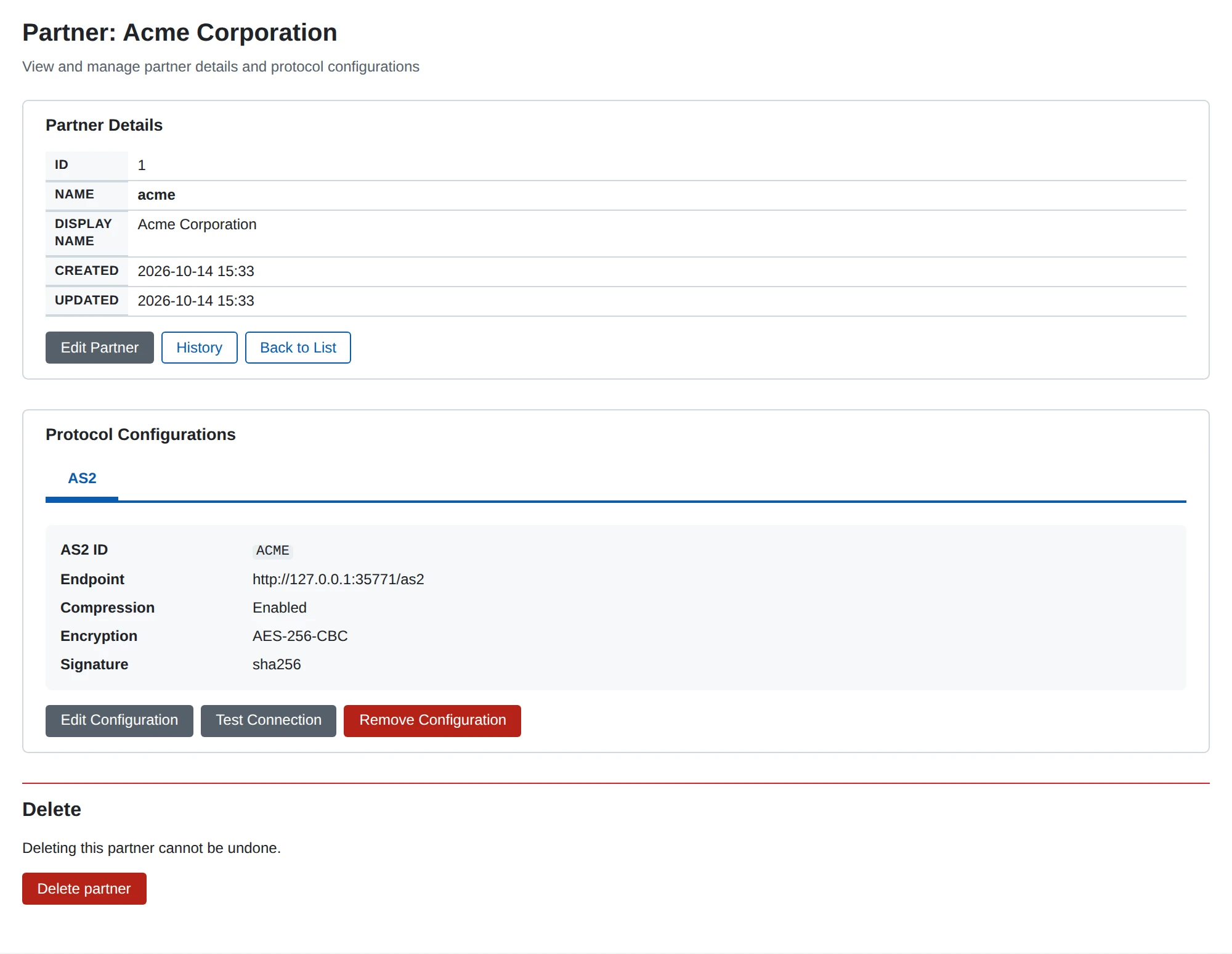
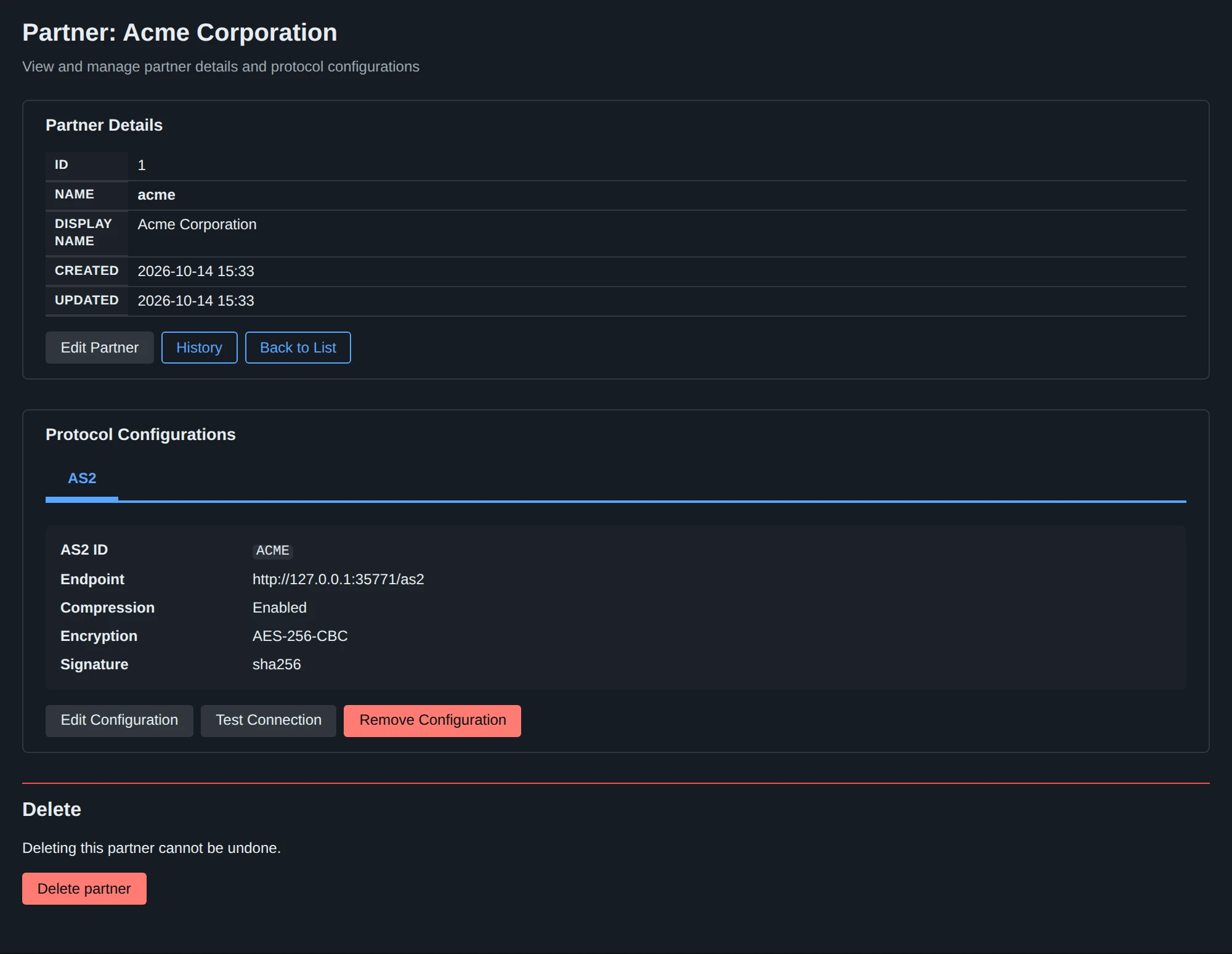
| Piece | What it is | Where |
|---|---|---|
| Certificate | A public certificate, with or without its private key | Certificates |
| Organization | You, the company that sends and receives | Organizations |
| Organization AS2 profile | Your AS2 ID and the certificate you sign and decrypt with | The organization’s page, Configure AS2 |
| Partner | The company you trade with | Partners |
| Partner AS2 profile | The partner’s AS2 ID, address, certificates and security options | The partner’s page, Configure AS2 |
| AS2 receiver | Listens on a port and path for messages from partners | Plugins > AS2 Receivers |
| AS2 sender | Posts messages to partners | Plugins > AS2 Senders |
| Route | Says where a message goes next | Routes |
How a message flows
Incoming. A partner posts a message to your AS2 receiver.
The receiver finds your organization by the AS2-To header and the partner by AS2-From.
It decrypts the message, checks the signature and unpacks it.
It answers with a receipt when the partner asked for one.
Then your routes decide where the file goes, for example to a file writer.
A message for an AS2 ID that MicroB2B does not know is refused and not stored.
Outgoing. A file poller (or another source) picks up a file. A route sends it to an AS2 sender. The sender looks up both AS2 profiles by the message’s organization and partner. It compresses, signs and encrypts the file as the partner profile says, and posts it to the partner’s endpoint. The partner’s receipt then confirms the delivery.
Set it up in this order
- Upload your certificate with its private key, and the partner’s public certificate. See Certificates.
- Create your organization and give it an AS2 profile. See Organization AS2 profile.
- Create the partner and give it an AS2 profile. See Partner AS2 profile and AS2 security.
- Check that you have an AS2 receiver and an AS2 sender. A fresh installation has one of each. See AS2 receiver and AS2 sender.
- Check the routes for both directions. A fresh installation already routes its default file poller to its AS2 sender, and its AS2 receiver to its file writer. See Routes.
- Test the connection and send a test message. See Testing a partner.
Example: one partner, both directions walks through all of this for one partner.
Exchange details with your partner
Before you start, agree on these details with your partner and write them down:
| You give the partner | The partner gives you |
|---|---|
| Your AS2 ID | Their AS2 ID |
Your receiver’s URL, for example https://as2.example.com/as2 | Their endpoint URL |
| Your public certificate | Their public certificate |
| Your receipt URL, if they send receipts asynchronously | Their TLS server certificate, if it is self-signed or from a private CA |
Also agree on signing, encryption and receipts. The defaults of a new partner profile suit most partners.
AS2 IDs
An AS2 ID names one side of an AS2 exchange.
It can be 1 to 128 printable ASCII characters: letters, digits, spaces and punctuation.
It cannot contain " or \, and cannot start or end with a space.
MicroB2B compares IDs exactly, so case and spaces count.
An ID with a space travels in quotes, for example AS2-From: "ACME CORP".
MicroB2B removes the quotes from incoming headers before it looks up the profiles.
So "ACME CORP" and ACME CORP both find the partner ACME CORP.
A header that is not a valid AS2 ID is refused with HTTP 400 before anything is stored.
When something goes wrong
Each message has a page with its history and the reason for any failure. AS2: sending problems lists the common AS2 problems and what to do about them.