Audit log
The audit log records every change to the configuration of MicroB2B: who made it, when, and what changed. This page explains what it records, how to make it tamper-evident, and how to check and export it.
What it records
Every change to configuration is an event. That covers settings, organizations, partners, routes, certificates, AS2 profiles, receivers, senders, file pollers and writers, HTTP posters, notifiers, users, identity providers, service accounts and API tokens. Starting, stopping and restarting a service on System > Services is recorded too.
Each event holds:
- when it happened;
- who did it (the actor);
- what happened: created, updated, deleted, started, stopped, restarted or revoked;
- which record: its kind, id and name;
- the changes: the old and new value of every field that changed.
The actor is:
| Actor | Who |
|---|---|
| a user name | A user signed in to the web UI, or a user’s token on the REST API |
sa:<name> | A service account on the REST API |
cli:<operating system user> | Someone using microb2b users or microb2b service-accounts on the server |
system | MicroB2B itself |
Secrets are never in the log. When someone changes a password, a header value or a signing secret, the event says the field changed. It does not show the old or new value.
A change that changes nothing records nothing. Events are kept forever. MicroB2B has no way to change or delete an event.
What it does not record
The audit log is about configuration. It does not record messages, deliveries, message contents or notifications. A message has its own history on its page. Sign-ins are in the log of the server, not in the audit log.
Redispatching or redelivering a message is in the message’s history, not in the audit log.
Reading the log
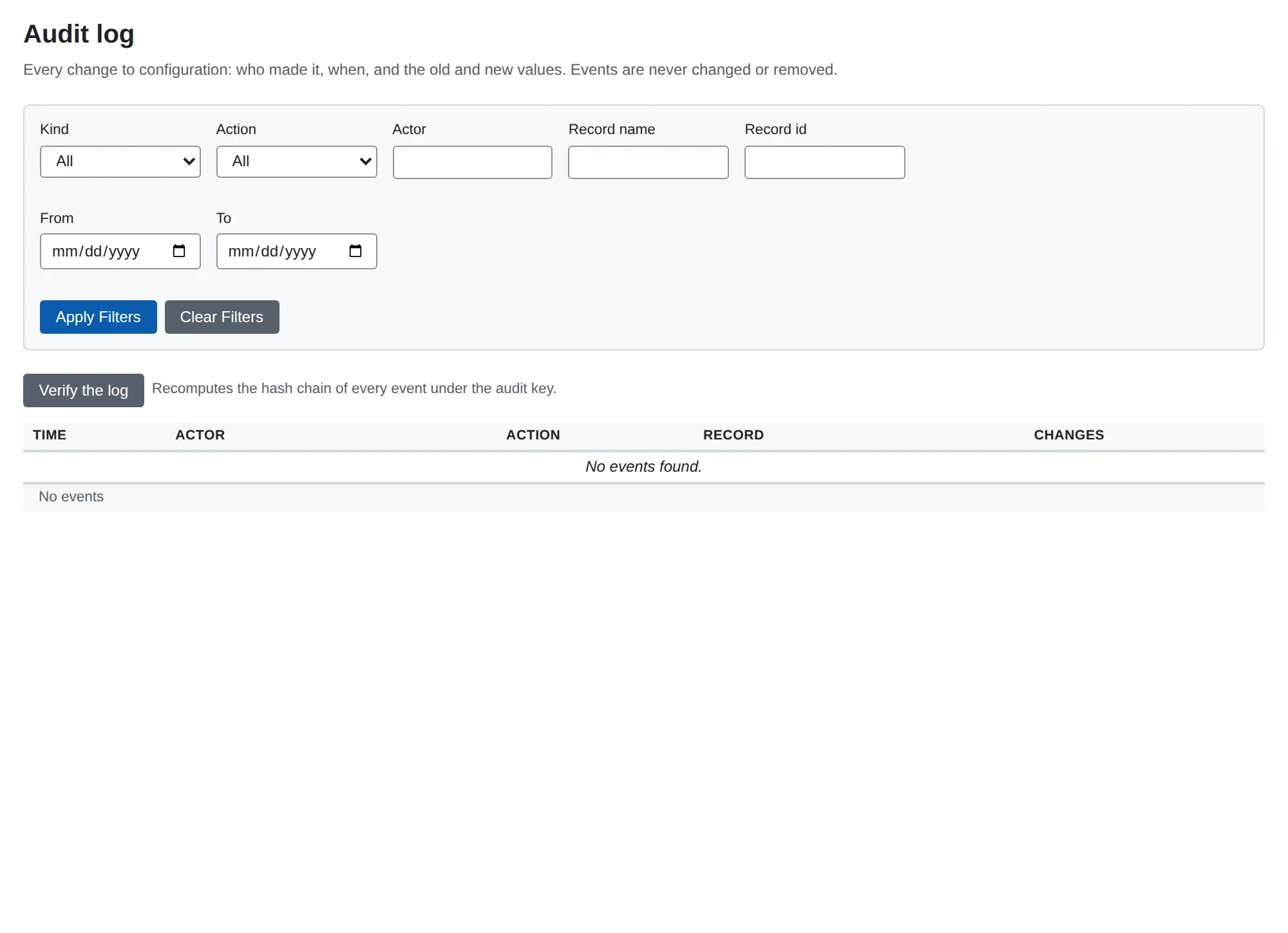
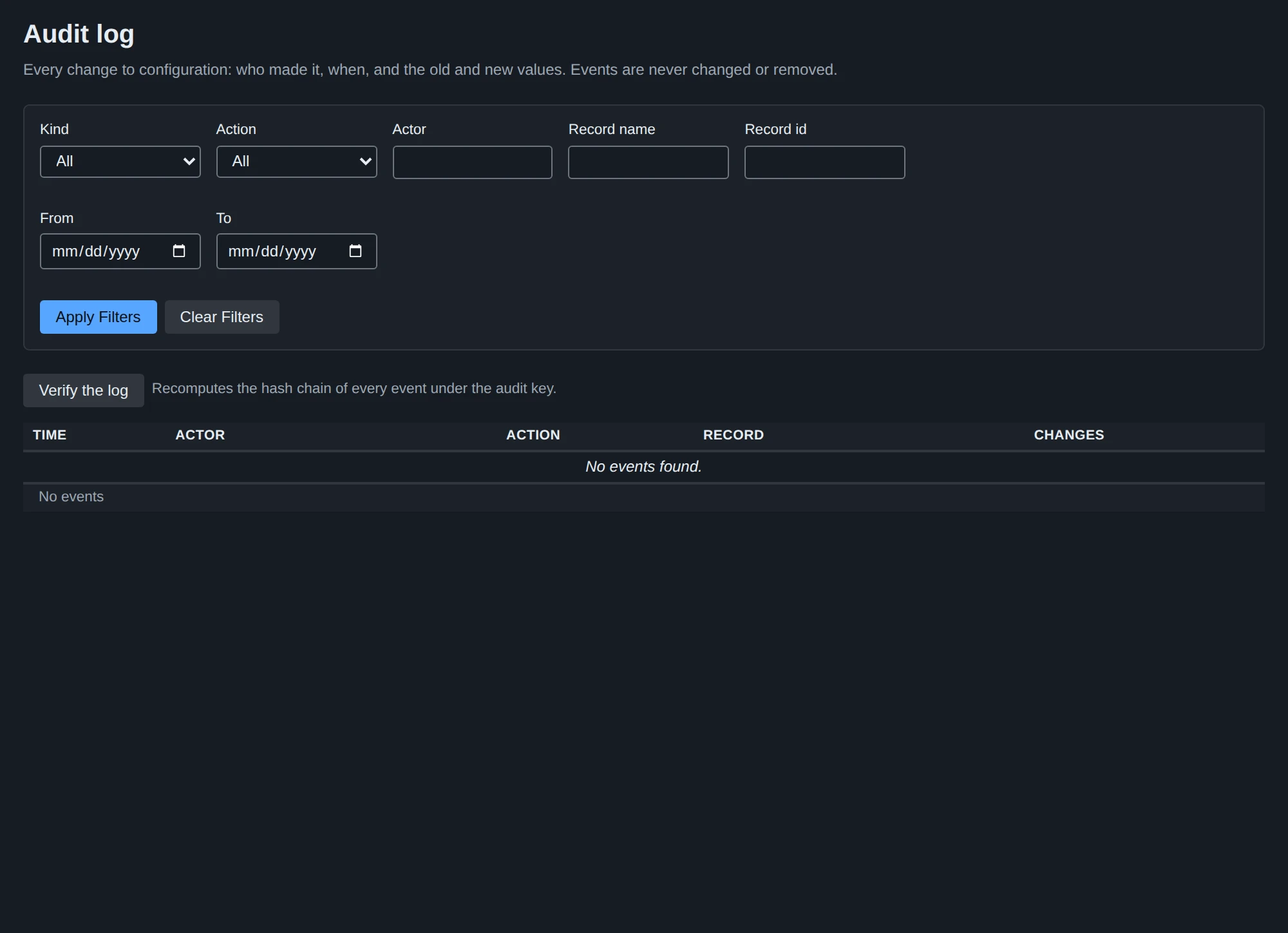
Go to System > Audit log. You can filter by kind, action, actor, record and time. The page of an organization, a partner or the settings links to the audit log, filtered to that record.
The REST API offers the same through GET /api/v1/audit.
Tamper evidence
Set AUDIT_KEY to make the log tamper-evident. Each event then carries a hash that covers the event and the event before it. The events form a chain. If someone edits, removes or reorders an event in the database, the chain breaks from that event on.
Generate the key once:
openssl rand -base64 32Set it as AUDIT_KEY, or put it in a file and set AUDIT_KEY_FILE. Use one of the two. The key is at least 32 random bytes, as base64 or hex.
Never change this key. Events written under an earlier key cannot be checked with a new one. Keep it with your other keys, apart from the database. See backup.
Without the key, MicroB2B still records every event, but without hashes. It logs a warning at startup. You can add the key later. The chain then starts at the first event recorded with the key. If you remove the key after that, the check reports a break.
MicroB2B refuses to start when the key setting is wrong: both variables set, a file it cannot read, a key shorter than 32 bytes, or another variable that starts with AUDIT_.
Checking the log
The check recomputes the chain. It tells you how many events it checked, and names the first event that does not fit, and why. You can run it in three ways:
the Verify button on System > Audit log;
POST /api/v1/audit/verifyon the REST API;on the server, with the database settings and
AUDIT_KEY:microb2b audit verify
The reasons a check can fail are:
| Reason | Meaning |
|---|---|
gap | An event is missing |
prev_hash_mismatch | An event does not follow the one before it |
hash_mismatch | An event was changed |
unknown_version | An event is in a format this version of MicroB2B does not know |
unchained_after_chain | An event has no hash, after the chain began. The key was removed |
Limits of tamper evidence
The log is tamper-evident, not tamper-proof. Someone with both the database and the key can rewrite the log and its hashes. Someone with only the database cannot do so unnoticed.
Deleting the newest events leaves a valid chain. To detect that, write down the head: the id and hash of the newest event that verify prints. Keep it somewhere the database administrators cannot change. Later, check that the log still contains that event with that hash.
Export
Export the log as JSON lines, one event per line, oldest first:
microb2b audit export --out audit-2026-10.jsonl| Option | What it does |
|---|---|
--out <file> | Write to this file. It must not exist yet. Without it, the export goes to standard output |
--after-id <N> | Only events after event N |
Export needs no key. Each line holds the event’s fields and its hashes:
| Field | Meaning |
|---|---|
v | Format version, 1 |
id | Event number, from 1, without gaps |
at | UTC time with microseconds, such as 2026-10-08T14:06:27.123456Z |
actor, action, kind, record_id, record_name | Who, what, and which record |
changes | List of {field, old, new, secret}. old and new are missing for a create or delete. A secret field has secret: true and no values |
prev_hash, hash | The chain, in hex. Empty for an event recorded without a key |
To check an export file with AUDIT_KEY:
microb2b audit verify --file audit-2026-10.jsonlA file that starts at event 1 is checked from the start of the log. A file that starts later only proves that its own lines belong together. To prove it continues from an event you know, give that event’s id and hash:
microb2b audit verify --file audit-2026-10.jsonl --after-id 1200 --after-hash <hash>Use the head you wrote down earlier for this.