Quick Start
This walks one machine from nothing to an AS2 message sent to a partner and one received from them, using the web UI. It takes about fifteen minutes. A fresh MicroB2B knows nothing: no organization, partner, certificate or plugin exists until you create it.
You need Go (version in go.mod), just and openssl. Running from a container instead of the binary is covered in deployment.
1. Build and start
just build                                   # writes target/microb2b, the developer build

mkdir -p ~/microb2b-demo && cd ~/microb2b-demo
mkdir -p outbox/acme received payloads
/path/to/microb2b/target/microb2b standalone
standalone runs everything in one process: an embedded NATS bus, the database (SQLite, microb2b.db in the current directory), and the web UI and REST API on port 8080. The database is created on first start and kept across restarts. Check it:
curl http://localhost:8080/health
# {"status":"healthy","version":"<version>","timestamp":"...","database":"up"}
just build makes the developer build, where anybody who can reach port 8080 is an administrator: its login page has a Sign in as developer button, its REST API takes every request without a token, and every page says so in a banner. Its API server therefore listens on loopback only (localhost:8080 from the same machine; DEVELOPER_LISTEN_ADDRESS opens it to another address, see Developer listen address). Use it on your own machine only. A release build (just build-release) has no such button: users MicroB2B keeps itself sign in with a password and an authenticator app each, and the users of OpenID Connect identity providers (Keycloak, JumpCloud, …) sign in there once the providers are added in the web UI. It will not start without PUBLIC_URL and SESSION_KEY; see Authentication for the setup. To try it on your machine:
export PUBLIC_URL=http://localhost:8080 SESSION_KEY=$(openssl rand -base64 32) SECRETS_KEY=$(openssl rand -base64 32)
./target/microb2b-linux-amd64 users create admin    # prints a setup link: open it once MicroB2B runs
./target/microb2b-linux-amd64 standalone
Keep both keys if you want to use that database again. Identity providers (Keycloak, JumpCloud, …) are added after the first sign-in, under Access > Identity providers (see OpenID Connect); test/oidc/keycloak-check.sh shows a working combination with Keycloak. All variables are in deployment.
2. Open the web UI
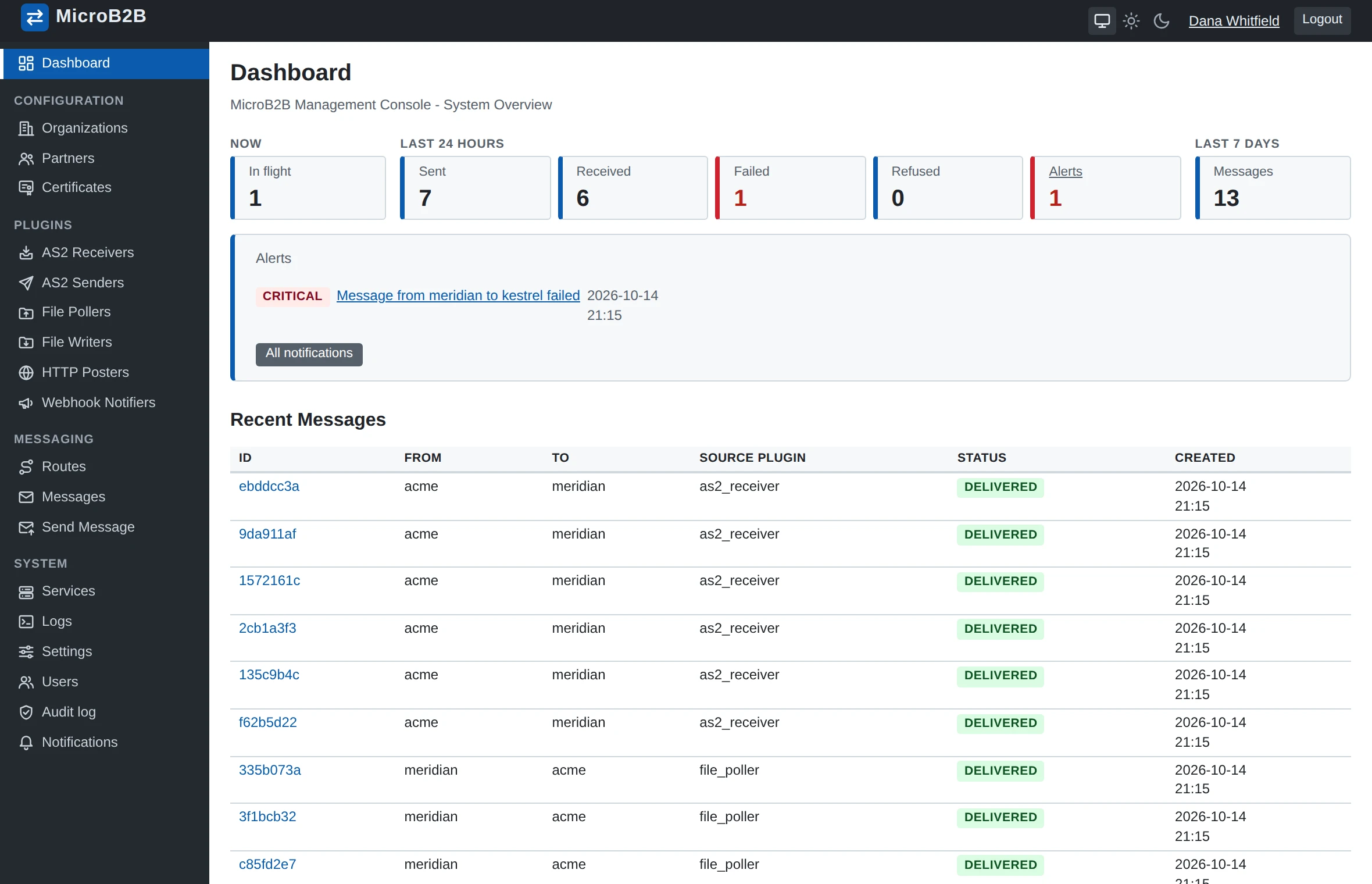
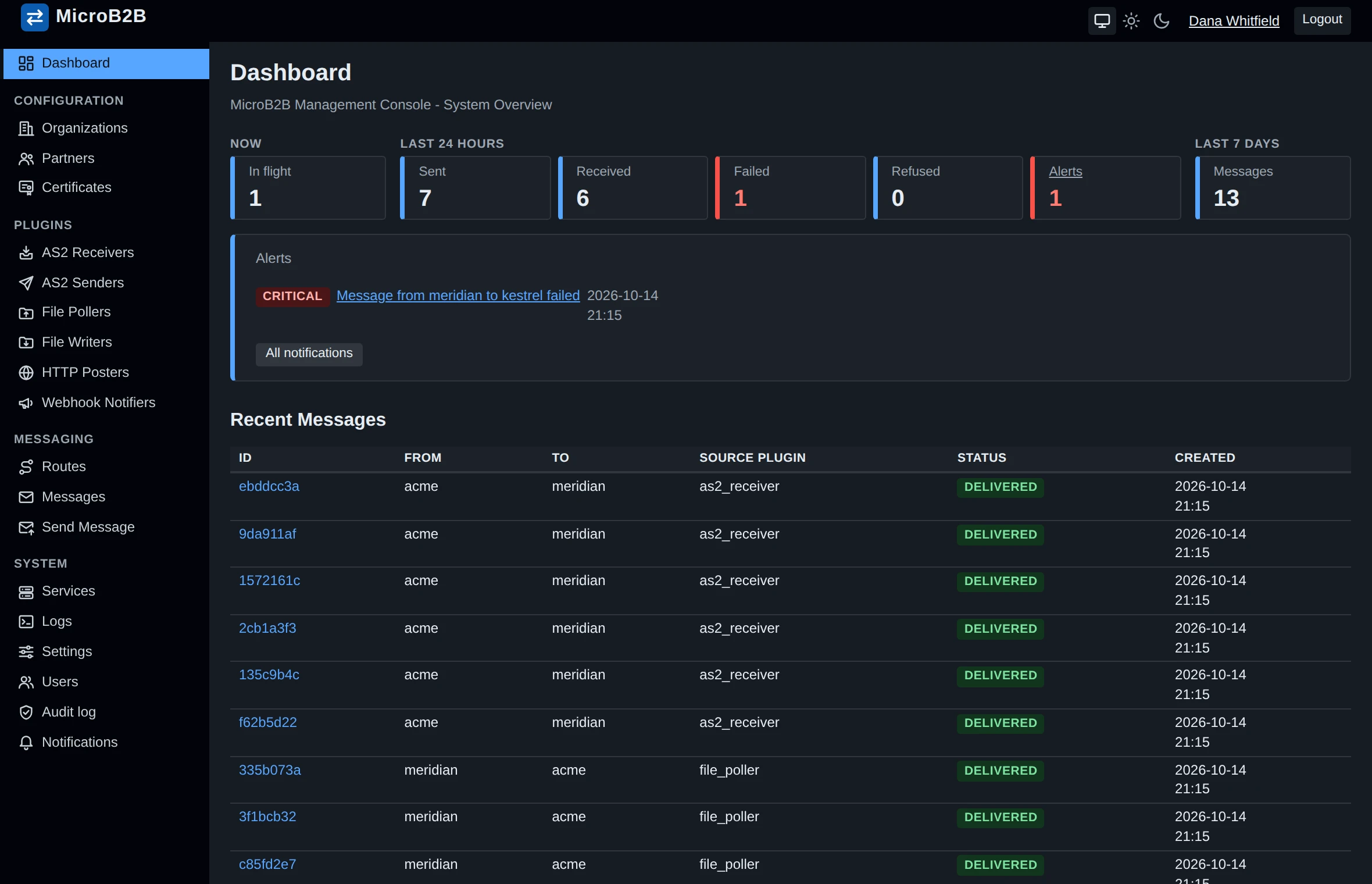
Open http://localhost:8080/ and press Sign in as developer on the login page: you are the user developer, an administrator, as the banner at the top of every page says (a password form is beside the button, for users you create on Access > Users). The REST API needs no sign-in: curl http://localhost:8080/api/v1/stats. The API description is served at /api/v1/openapi.yaml and summarized in the API reference.
A new database stores message payloads in ./payloads, relative to the directory you started MicroB2B in (so ~/microb2b-demo/payloads). To store them elsewhere, open System > Settings, change Directory, Update, then stop MicroB2B (Ctrl-C) and start it again: every process reads the settings when it starts, and the page says so until it has. Test storage on the same page checks that the directory can be written. See storage.
Everything below is under the left-hand menu: Configuration (Organizations, Partners, Certificates), Plugins, Messaging (Routes, Messages) and System (Logs, Users, Settings, …).
3. Certificates
AS2 signs and encrypts with certificates. For a test, make two self-signed ones: ours, and the partner’s (in real life the partner sends you theirs and you never see their key):
cd ~/microb2b-demo
openssl req -x509 -newkey rsa:2048 -nodes -keyout us.key  -out us.crt  -days 365 -subj "/CN=MICROB2B"
openssl req -x509 -newkey rsa:2048 -nodes -keyout acme.key -out acme.crt -days 365 -subj "/CN=ACME"
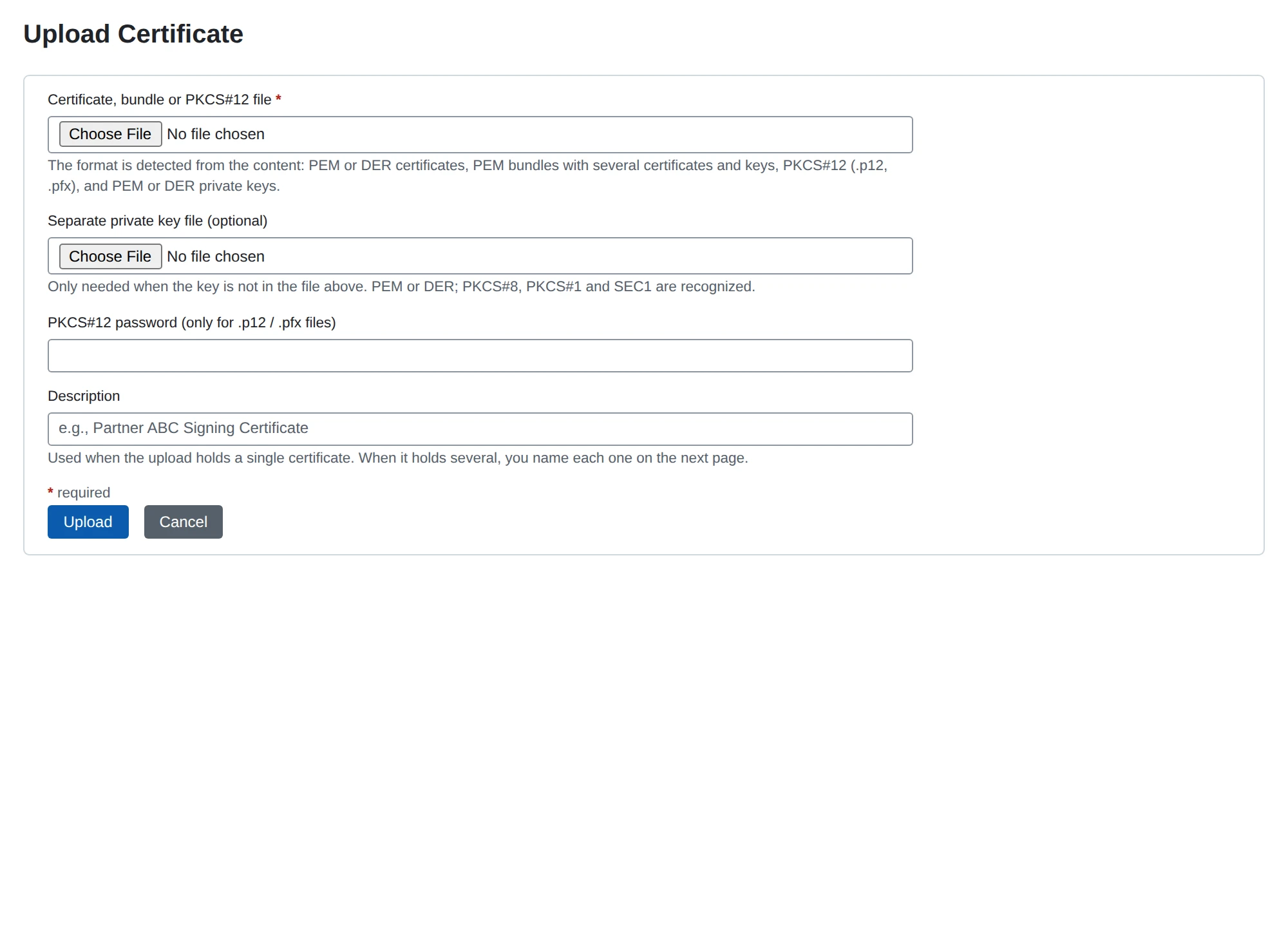
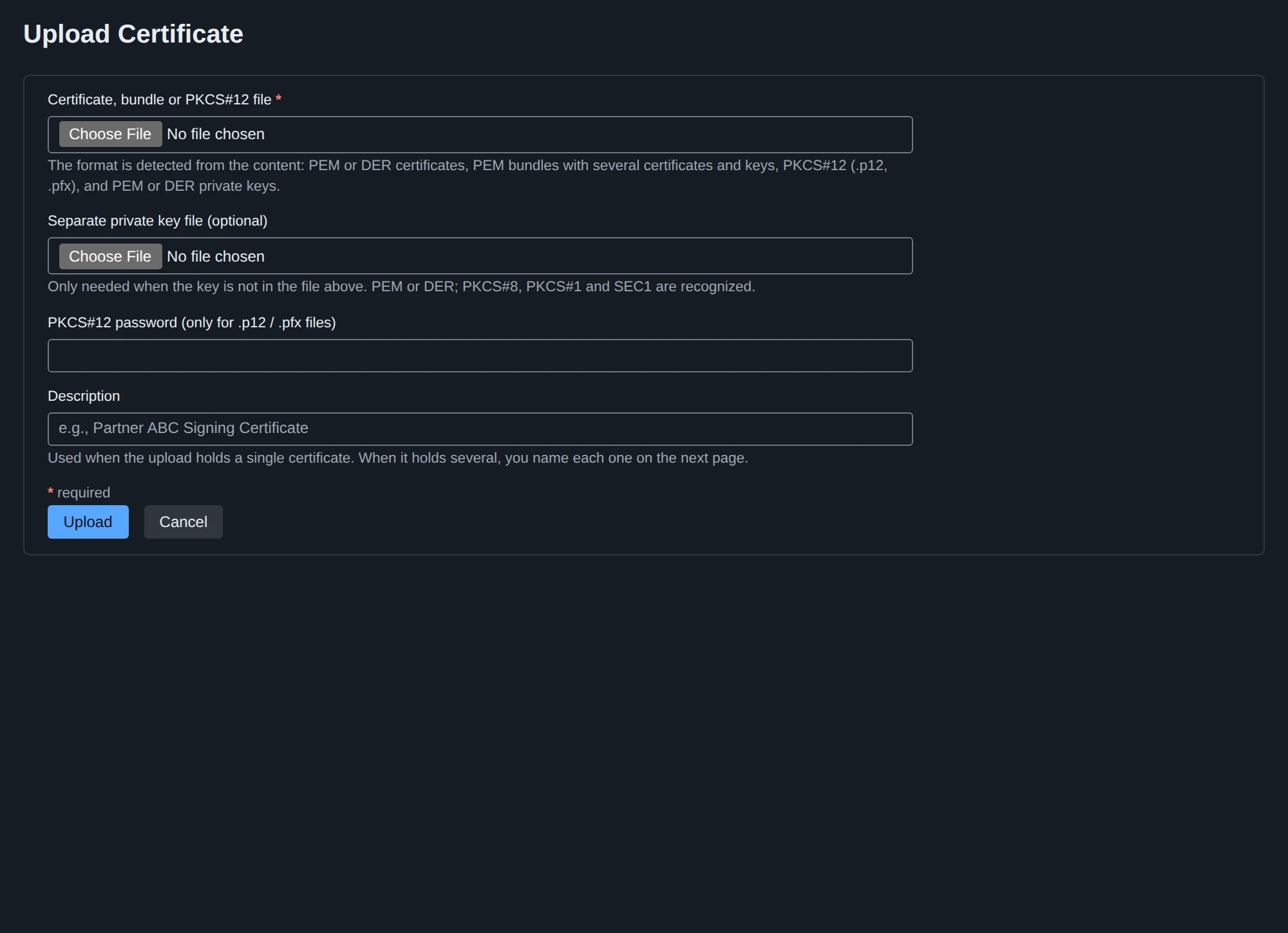
Certificates > Upload Certificate, twice:
| Certificate, bundle or PKCS#12 file | Separate private key file | Description |
|---|---|---|
us.crt | us.key | Our certificate |
acme.crt | (none) | Acme’s certificate |
The format is detected from the content, so PEM, DER, bundles and .p12/.pfx files all work, and a bundle that holds several certificates leads to a page where you choose which to import. Only certificates with a private key are offered where we sign or decrypt; the partner’s certificate needs no key.
4. Organization and partner
Organizations > + New Organization: Name local, Display Name Our Company. Names are what routes and file paths use.
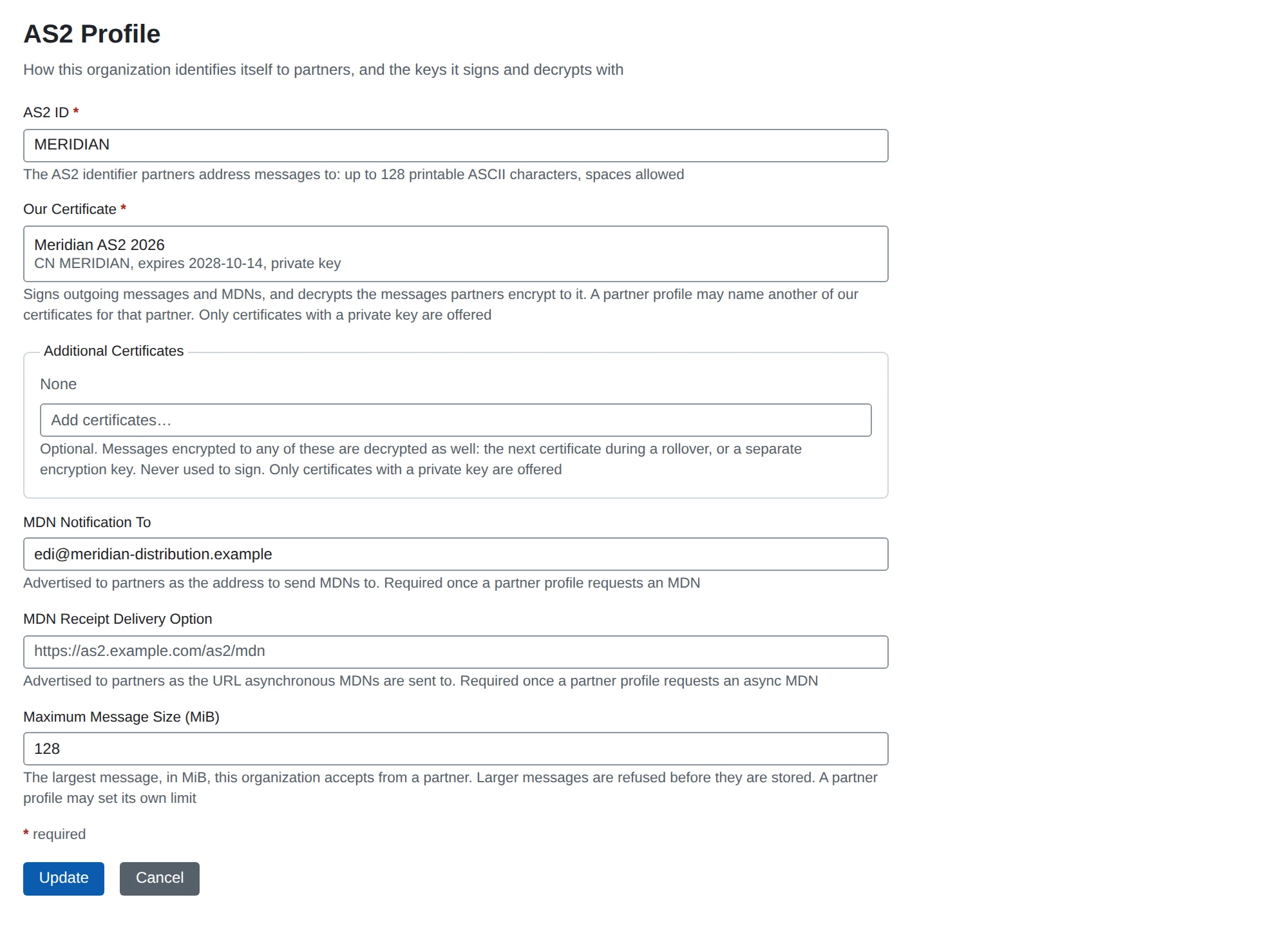
On its page, under Protocol Configurations > AS2, choose Configure AS2:
| Field | Value |
|---|---|
| AS2 ID | MICROB2B |
| Our Certificate | Our certificate |
| MDN Notification To | [email protected] |
MDN Notification To is required because every partner is asked for a receipt by default; sending to such a partner fails while it is empty.
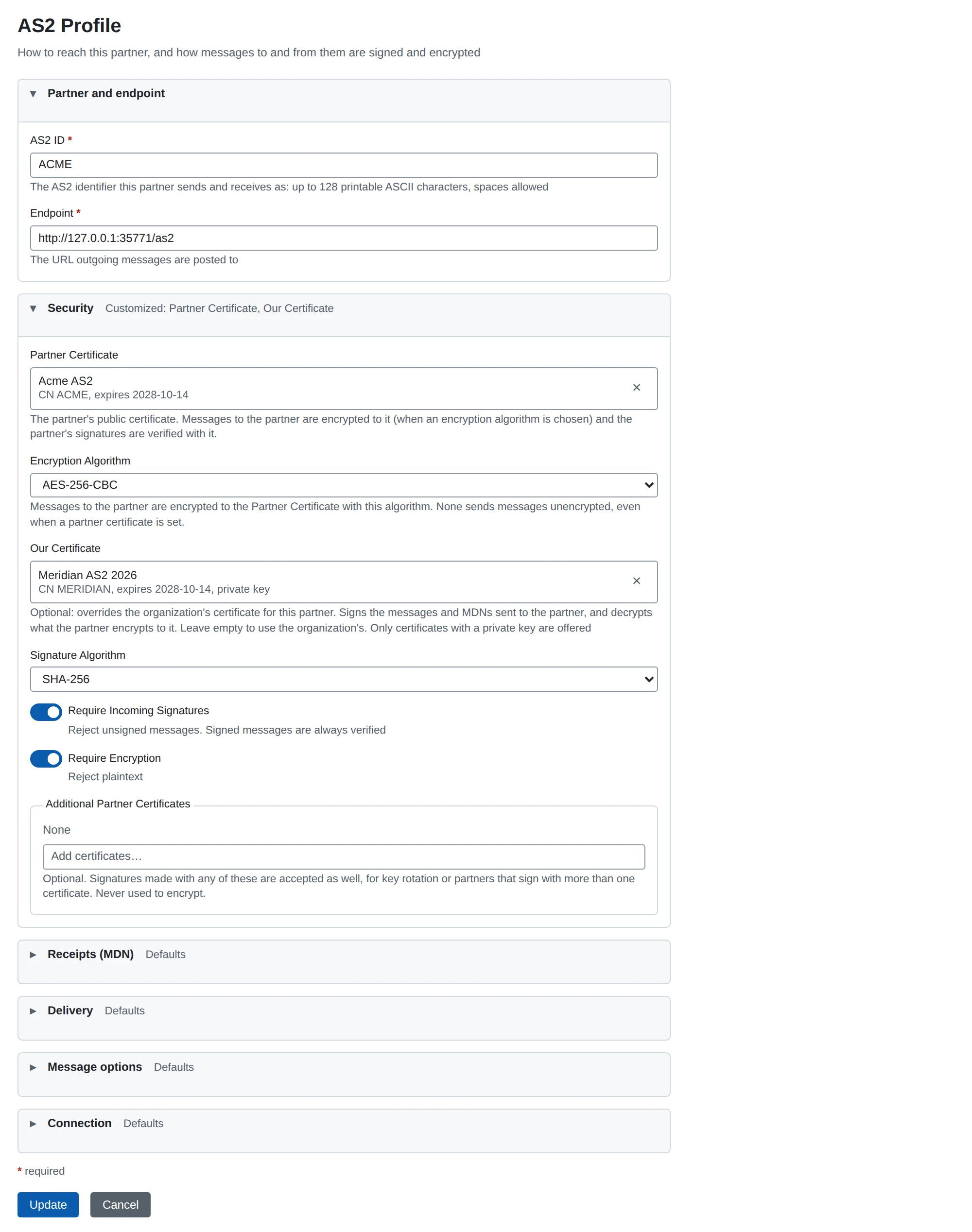
Partners > + New Partner: Name acme, Display Name Acme. Then Configure AS2 on its page:
| Section | Field | Value |
|---|---|---|
| Partner and endpoint | AS2 ID | ACME |
| Partner and endpoint | Endpoint | where the partner receives AS2, for example http://partner.example.com:8082/as2 |
| Security | Partner Certificate | Acme’s certificate |
The other fields start at the secure defaults: messages are signed (sha256) and encrypted (AES-256-CBC) to the partner certificate, the partner’s messages must arrive signed and encrypted, and a signed synchronous receipt (MDN) is requested. An encryption algorithm without a partner certificate is refused on save. Choose Encryption Algorithm None for a partner you cannot encrypt to. The AS2 configuration guide describes every field.
5. Plugins
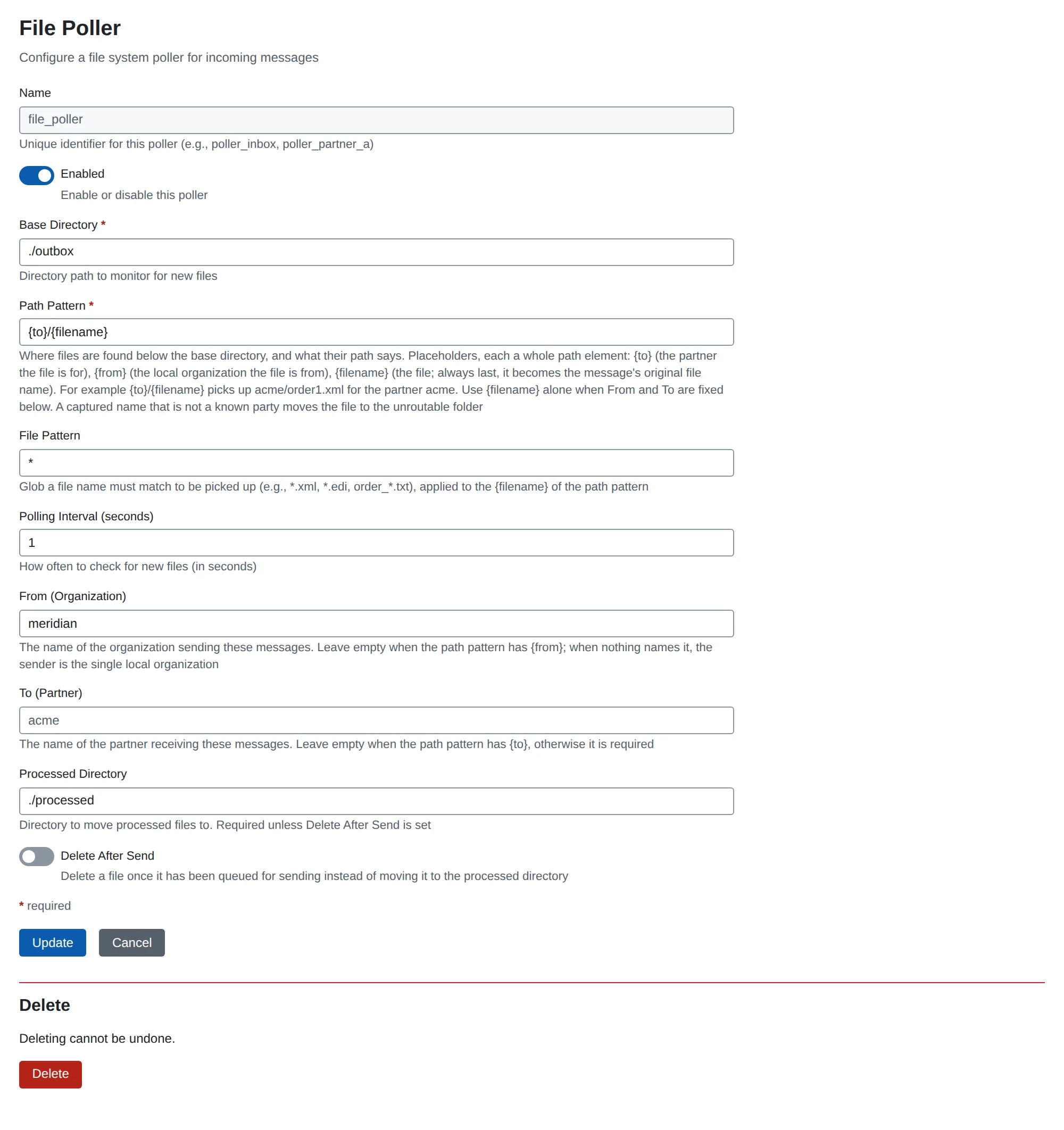
A plugin instance is one running component with its own settings. The Plugins section of the menu has a page per type (AS2 Senders, AS2 Receivers, File Pollers, File Writers, HTTP Posters), each with a button to create an instance. Create four:
| Type | Name | Settings |
|---|---|---|
| AS2 Sender | sender | defaults |
| AS2 Receiver | receiver | Port 8081 (the form offers it), Path /as2 |
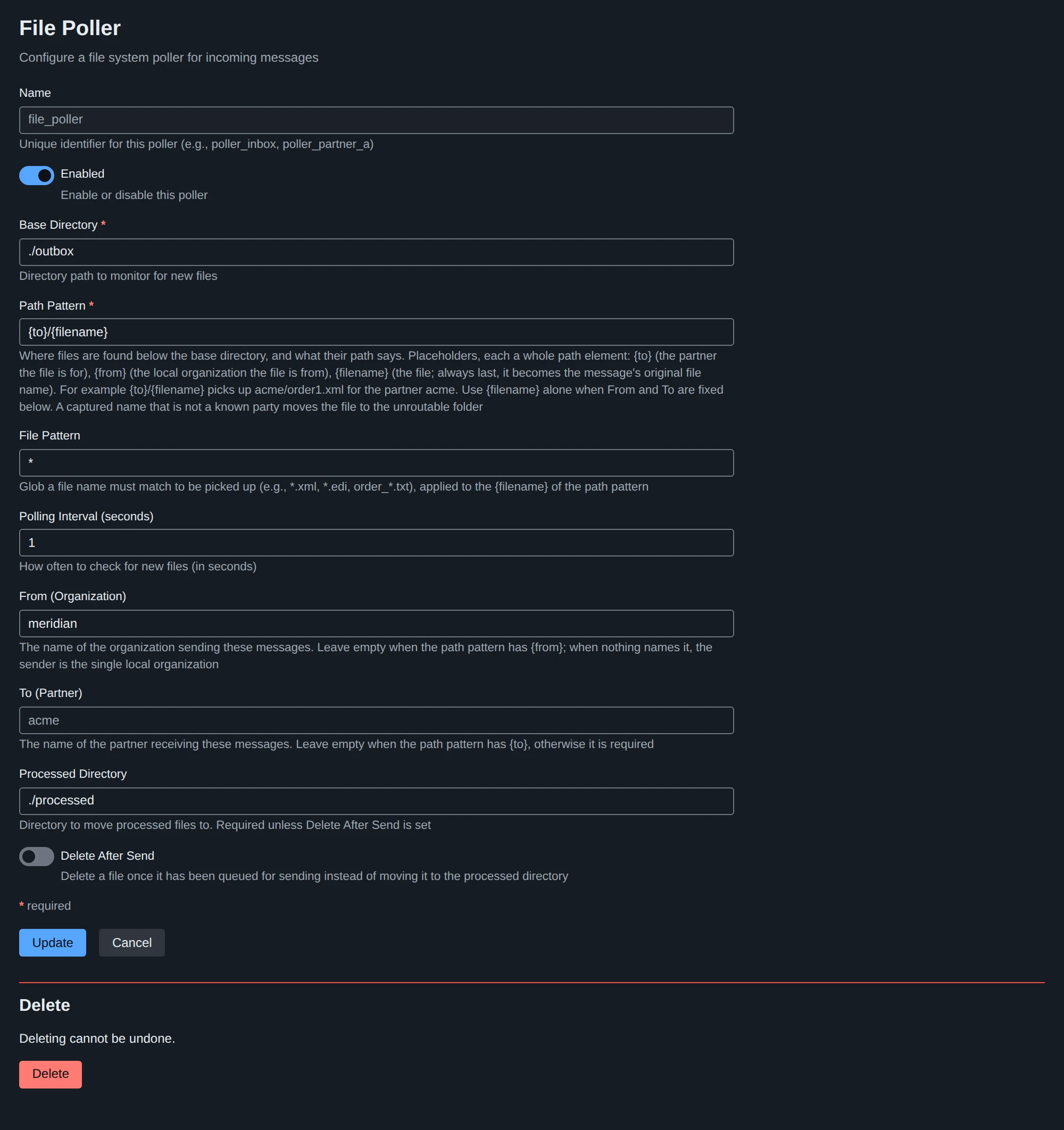
| File Poller | poller | Base Directory ~/microb2b-demo/outbox as an absolute path, Path Pattern {to}/{filename}, Processed Directory ~/microb2b-demo/processed as an absolute path |
| File Writer | writer | Base Directory the absolute path of ~/microb2b-demo/received, Filename Pattern {original_filename|message_id} |
The examples use absolute paths; a relative one is relative to the directory MicroB2B was started in. The poller watches outbox/<partner name>/: a file dropped in outbox/acme/ is a message from the organization to partner acme (the only organization is the sender). A file in a folder that is not a partner’s name is moved to outbox/unroutable/ (keeping its folder) with a .reason.txt file beside it saying why. The poller creates its base directory when it starts if it does not exist.
6. Routes
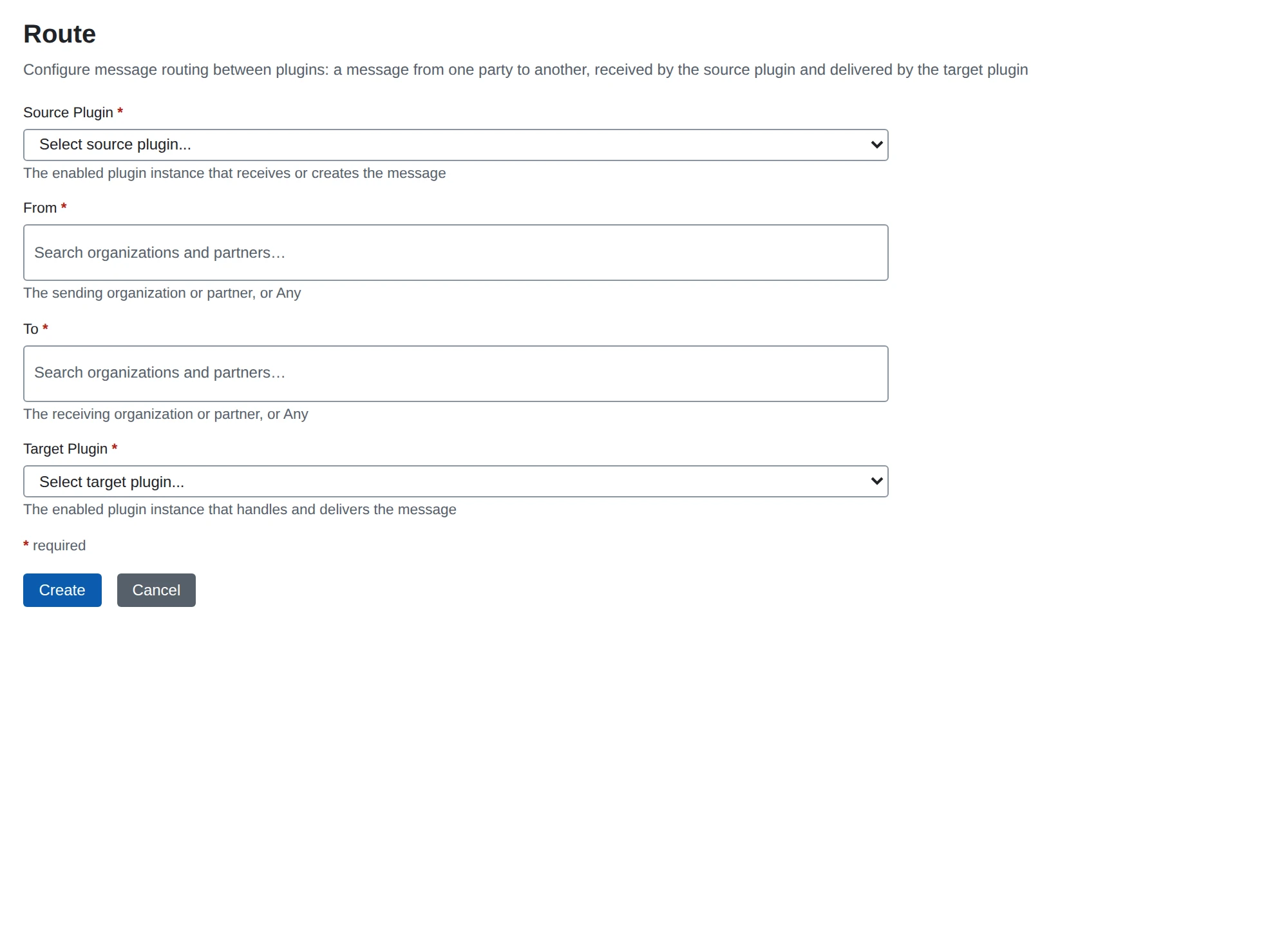
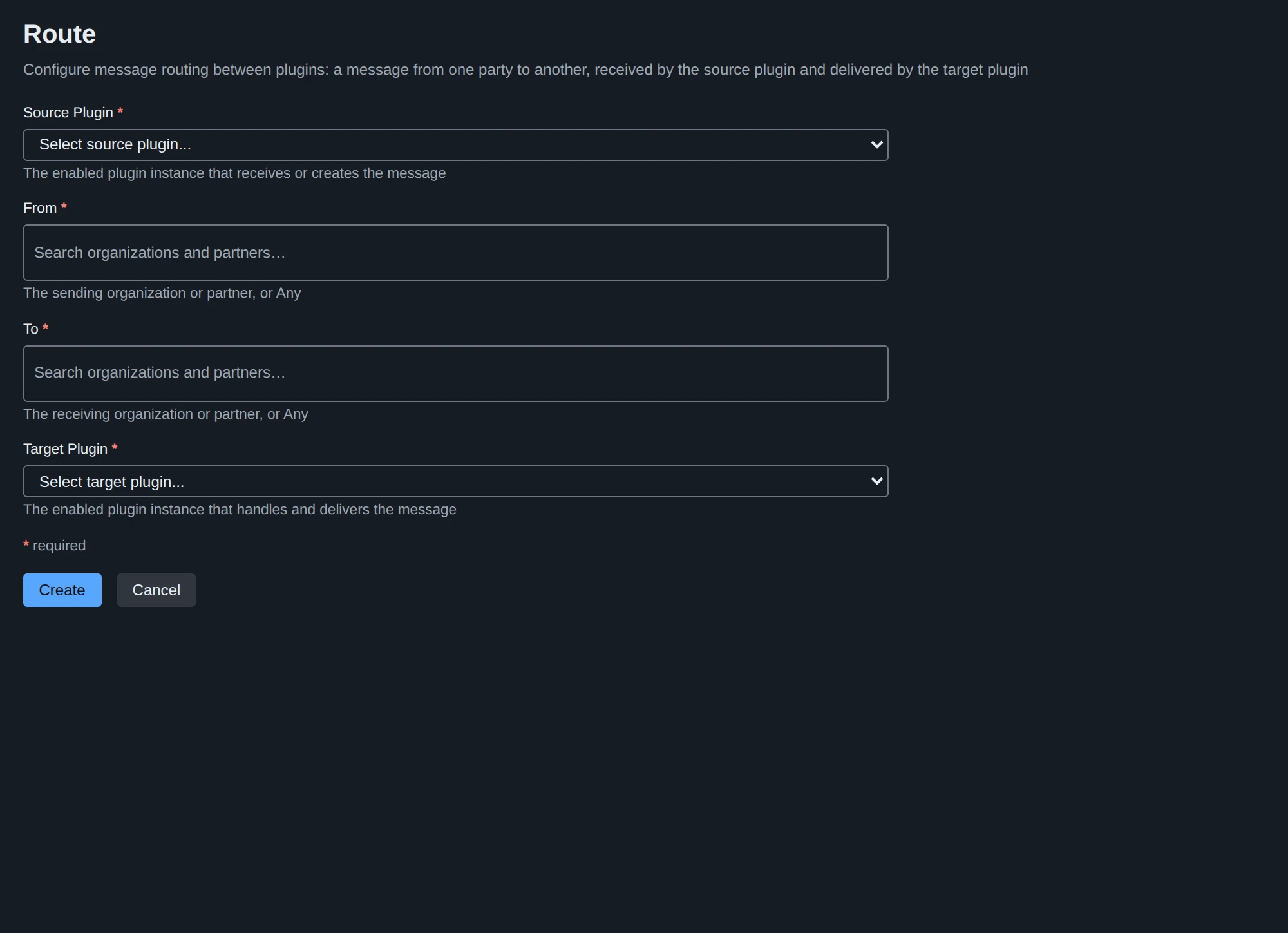
A route says who delivers what: messages that a source plugin brings in for a given From and To go to a target plugin. Routes > + New Route, twice (Any matches every party):
| Source Plugin | From | To | Target Plugin |
|---|---|---|---|
poller | Any | Any | sender |
receiver | Any | Any | writer |
Only enabled instances are offered, and two routes that would hand the same message to the same target twice are refused. A route applies to the next message dispatched.
7. Restart
Plugin instances are read when MicroB2B starts (routes are not: a route applies to the next message). Stop it with Ctrl-C (it finishes in-flight work and shuts down cleanly) and start it again with the same command. The log lists the instances:
level=INFO msg="plugin started" type=as2-sender
level=INFO msg="AS2 receiver listening" addr=0.0.0.0:8081 name=receiver
level=INFO msg="File poller started" name=poller
Routes, organizations, partners, profiles and certificates are looked up when a message is handled and need no restart.
8. Send and receive
echo "Hello from MicroB2B" > ~/microb2b-demo/outbox/acme/hello.txtWithin a few seconds (Polling Interval, 5 seconds by default) the file moves to processed/acme/hello.txt, and Messaging > Messages shows an outbound message from local to acme. If the partner answered with a good receipt its status is Delivered; if the partner is unreachable it is Retrying (the log says why) and is attempted again. The message page also shows the receipt (MDN), the MICs and the stored payload stages. See troubleshooting for the other statuses.
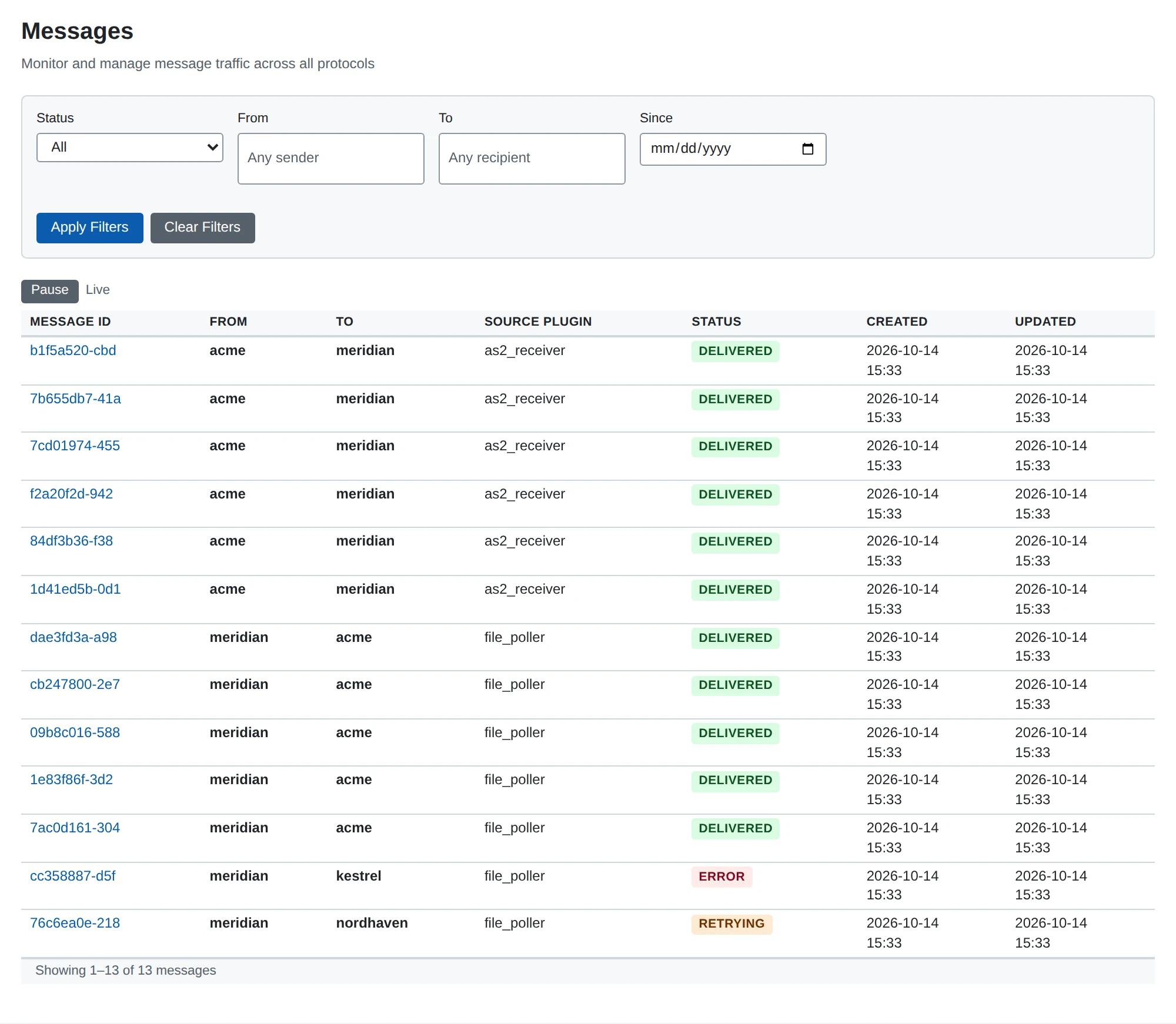
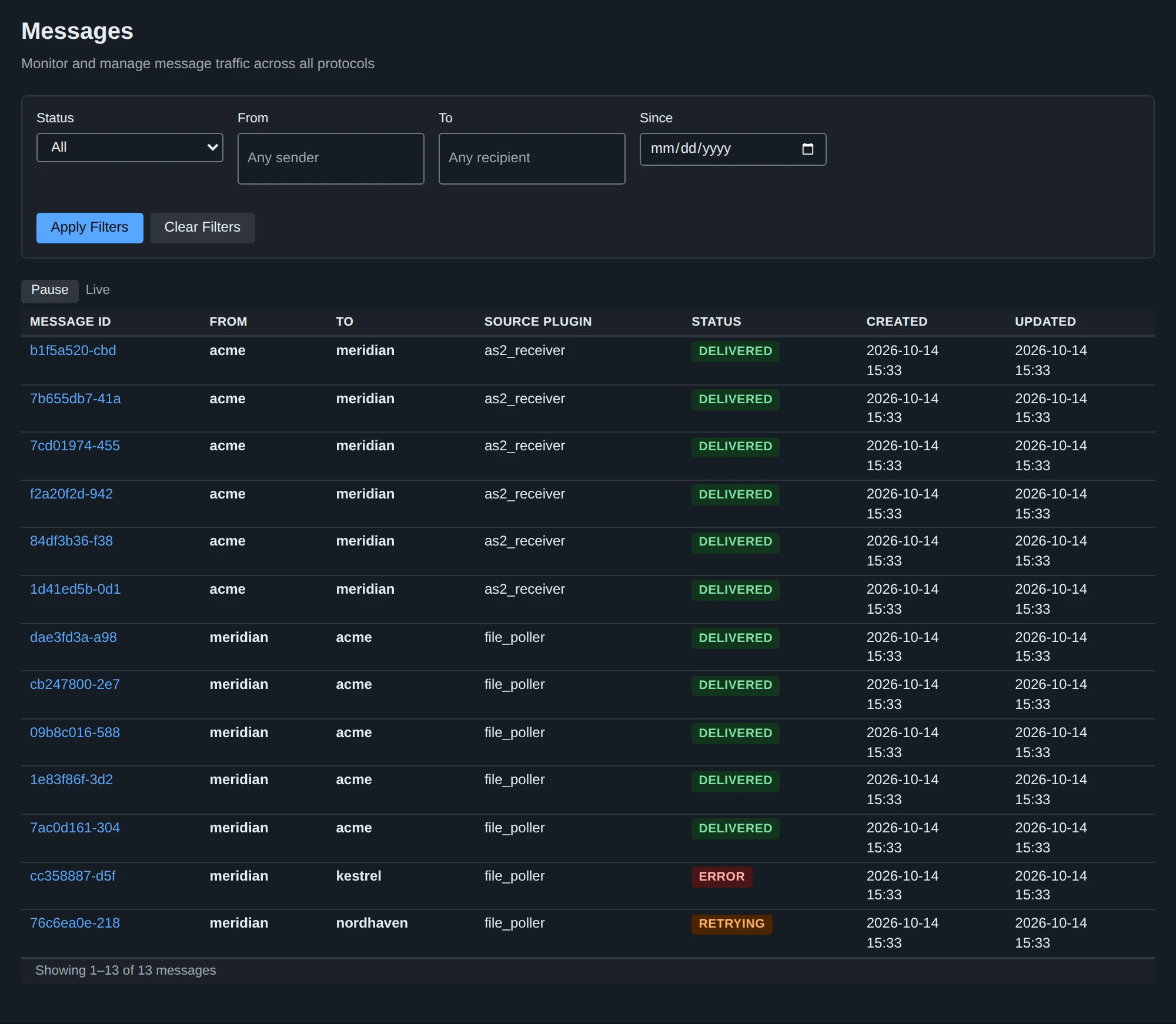
A partner that sends to http://<this host>:8081/as2 produces a message, and the writer puts the payload in received/, named after the partner’s file name or, without one, the message id; the message is Delivered once the file is written. A message that no route matches ends as Not routed.
System > Logs follows what the process logs, as it happens.
Trying it without a partner: a second instance
To exchange messages with yourself, start a second MicroB2B as acme and mirror the setup:
mkdir -p ~/microb2b-demo-acme/{outbox/local,received,payloads} && cd ~/microb2b-demo-acme
HTTP_PORT=8090 /path/to/microb2b/target/microb2b standalone
and set its payload directory to payloads on its own System > Settings page, then restart it, as for the first.
Open the second one as http://127.0.0.1:8090/ while using localhost for the first: cookies are kept per host name, not per port, so two instances under one host name overwrite each other’s session and CSRF cookies. Configure everything as above with the roles swapped:
| Instance on 8080 | Instance on 8090 | |
|---|---|---|
| Our certificate (with key) | us.crt + us.key | acme.crt + acme.key |
| Partner certificate | acme.crt | us.crt |
| Organization | local, AS2 ID MICROB2B | acme, AS2 ID ACME |
| Partner | acme, AS2 ID ACME, endpoint http://localhost:8082/as2 | local, AS2 ID MICROB2B, endpoint http://localhost:8081/as2 |
| Receiver port | 8081 | 8082 |
Give the second instance its own sender, receiver, poller and writer with the same names, directories under ~/microb2b-demo-acme and routes. After restarting both, a file in either outbox/<partner>/ arrives in the other’s received/.
Development run
just run builds, copies test/data/* to target/ and starts standalone mode from there, with the destructive --reset-db and --fixtures flags that only the developer build has: the database is dropped and rebuilt from target/fixture.yaml on every run, producing a ready-made organization, partner, plugins and routes. Those flags are compiled into the developer build only (a release binary has no such flags) and exist only for this purpose; never use them on data you want to keep.
Database console
The developer build has a Database page in the System section of the menu (/ui/database); a release binary does not contain it. On the left are the tables of the database: choosing one shows its columns (type, nullable, primary key) and its row count, and puts SELECT * FROM "<table>" LIMIT 100 in the editor. The editor runs one SQL statement at a time:
- A statement that returns rows (a query,
PRAGMA,EXPLAIN,... RETURNING) shows them as a table: at most 200 rows, at most 200 characters of a value (shortened values end in…), and fewer rows when the values add up to 256 KiB; a result with more rows says it was truncated.NULLis a grey badge, an empty string an empty cell, and bytes that are not text are shown as0x.... Whether a statement returns rows is what the database reports, not a guess from its first word. - Any other statement shows how long it took and, on SQLite, how many rows it changed (PostgreSQL does not report the count through the driver’s query path).
- An error is shown with the statement still in the editor, to fix and run again.
Each statement runs in a transaction of its own on one connection: committed when it succeeds, rolled back when it fails or takes longer than 10 seconds. So nothing is left half done, and BEGIN/COMMIT and statements that cannot run in a transaction (VACUUM) are not supported. Text holding more than one statement is refused before anything runs. The statements run with the application’s full database rights.
The last 50 statements run are listed under Recent statements, newest first, a statement run again moving to the top; choosing one puts it in the editor. They are kept in the console’s own table, dbconsole_recent_statements, shared by everyone using the instance, so the list works without JavaScript and survives a browser change; --reset-db empties it. Statement texts and result values are never logged.
Next
- AS2 configuration: profiles, certificates, MDN modes, interoperability
- Deployment: configuration reference, PostgreSQL, TLS, backup
- Storage configuration: local files or S3
- Protocol-agnostic routing: how routes address messages