File poller
A file poller picks up files from a directory and turns each one into a message. Use it to send documents from your own systems to a partner. This page explains its settings and its path pattern.
How it works
- When the poller starts, it creates its Base Directory if it does not exist. If it cannot, the instance ends in state Error and MicroB2B raises the alert
plugin_failed. - Every Polling Interval, the poller looks for files below the base directory.
- For each file that fits the Path Pattern and the File Pattern, it works out who the file is from and to.
- It stores the file as a message and matches the routes.
- It moves the file to the Processed Directory, or deletes it when Delete After Send is on.
Add a file poller
- Go to Plugins > File Pollers and click + New File Poller.
- Enter a Name, such as
poller_inbox. - Enter the Base Directory, such as
/data/outbox. - Keep the Path Pattern
{to}/{filename}, or change it (see below). - Enter a Processed Directory, or turn on Delete After Send.
- Click Create.
- Restart MicroB2B so the poller starts.
- Add a route from the poller to a target, for example an AS2 sender.
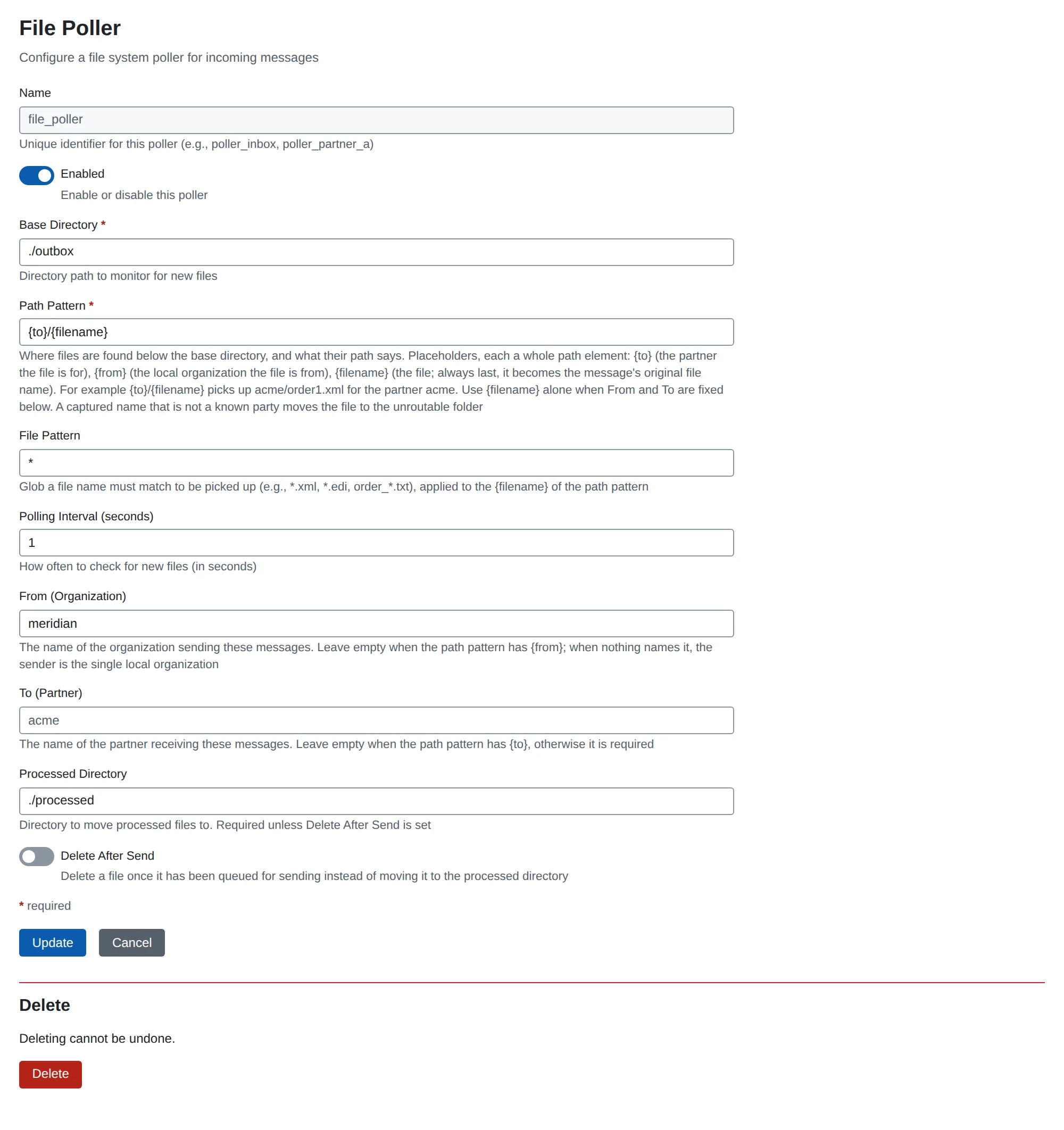
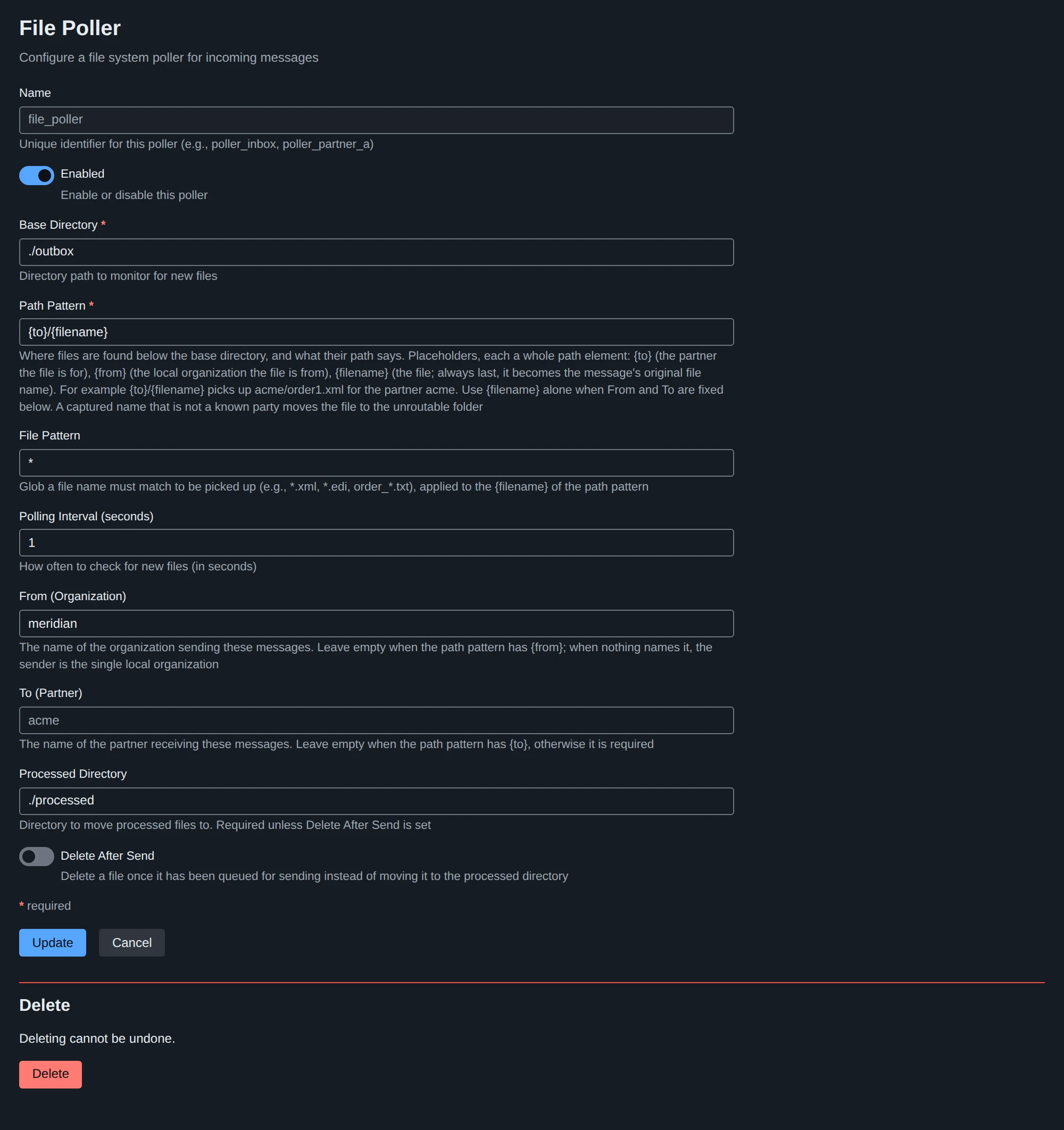
Settings
| Setting | What it does | Default |
|---|---|---|
| Name | The instance name. Lower case letters, digits, _ and -. | (required) |
| Enabled | A disabled poller does not run. | on |
| Base Directory | The directory to scan. | (required) |
| Path Pattern | Where files are below the base directory, and what their path says. See below. | {to}/{filename} |
| File Pattern | A pattern the file name must match, such as *.xml or order_*.txt. | *.* |
| Polling Interval (seconds) | How often to scan. At least 1. | 5 |
| From (Organization) | A fixed sender. Leave empty when the path pattern has {from}. | (empty) |
| To (Partner) | A fixed recipient. Leave empty when the path pattern has {to}. | (empty) |
| Processed Directory | Where picked-up files are moved. The file keeps its path below the base directory. | (empty) |
| Delete After Send | Delete picked-up files instead of moving them. | off |
You need exactly one of Processed Directory and Delete After Send.
A changed poller takes effect when you restart it on System > Services, or restart MicroB2B.
Path pattern
The path pattern describes where files are, relative to the base directory. It is made of parts separated by /. Each part is either fixed text or one placeholder.
| Placeholder | What it captures |
|---|---|
{to} | The name of the partner the file is for |
{from} | The name of the organization the file is from |
{filename} | The file itself. It is always the last part. It becomes the message’s original file name. |
Examples
| Path pattern | File | From | To |
|---|---|---|---|
{to}/{filename} | acme/order1.xml | your single organization | acme |
outbox/{from}/{to}/{filename} | outbox/hq/acme/order1.xml | hq | acme |
{filename} | order1.xml | From setting | To setting |
With {filename} alone, files sit directly in the base directory. Set From and To on the poller.
Rules
- A placeholder fills a whole part.
order_{to}is refused. - Each placeholder appears at most once.
- The pattern has at most 6 parts.
- It cannot be an absolute path, contain an empty part,
.or.., or start withunroutable. - The poller looks exactly as deep as the pattern. It never follows symbolic links.
Who the file is from and to
- To comes either from the poller’s To setting or from
{to}, never both. - From comes from the From setting, from
{from}, or from neither. With neither, the sender is your single organization. If you have no organization or several, the file is unroutable. - A captured name must be an existing party:
{to}must be a partner,{from}an organization. The poller only compares names. It never uses them as paths.
Unroutable files
A file whose captured name is not a known party is unroutable. The poller does not make a message of it. Instead it:
- moves the file to
unroutable/below the base directory, keeping its path; - writes the reason next to it, in
<file>.reason.txt; - raises the alert
file_unroutable.
If a file with that name is already in unroutable/, the new one gets a suffix. Nothing is overwritten.
To fix it, add the missing partner or correct the folder name. Then move the file back to where the poller looks.
A file in a place the pattern does not describe, for example at the wrong depth, is left alone. The poller logs it once.
See Troubleshooting messages if files are not picked up.