Messages
This page explains what a message and a delivery are, what each status means, and where you can watch them.
Messages and deliveries
A message is one business document moving through MicroB2B. A source creates it: the AS2 receiver for a partner’s message, or a file poller for a file. A message records:
- its source instance;
- who it is from and to;
- its direction: inbound (from a partner) or outbound (to a partner);
- the original file name, when known;
- its history.
When MicroB2B handles a message, it matches the routes. It then creates one delivery for each target: an AS2 sender, a file writer or an HTTP poster. Each delivery tracks how far its target has come.
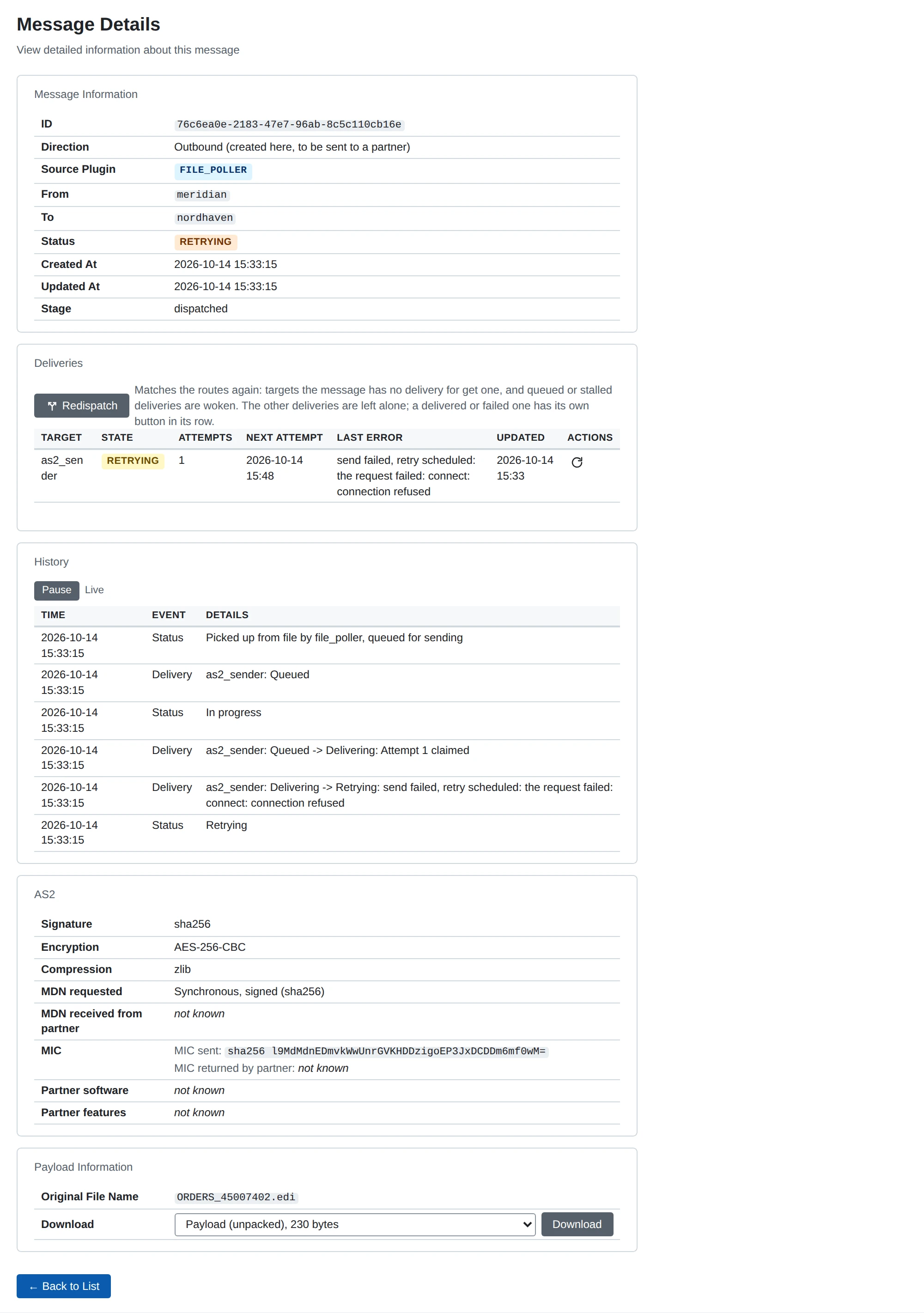
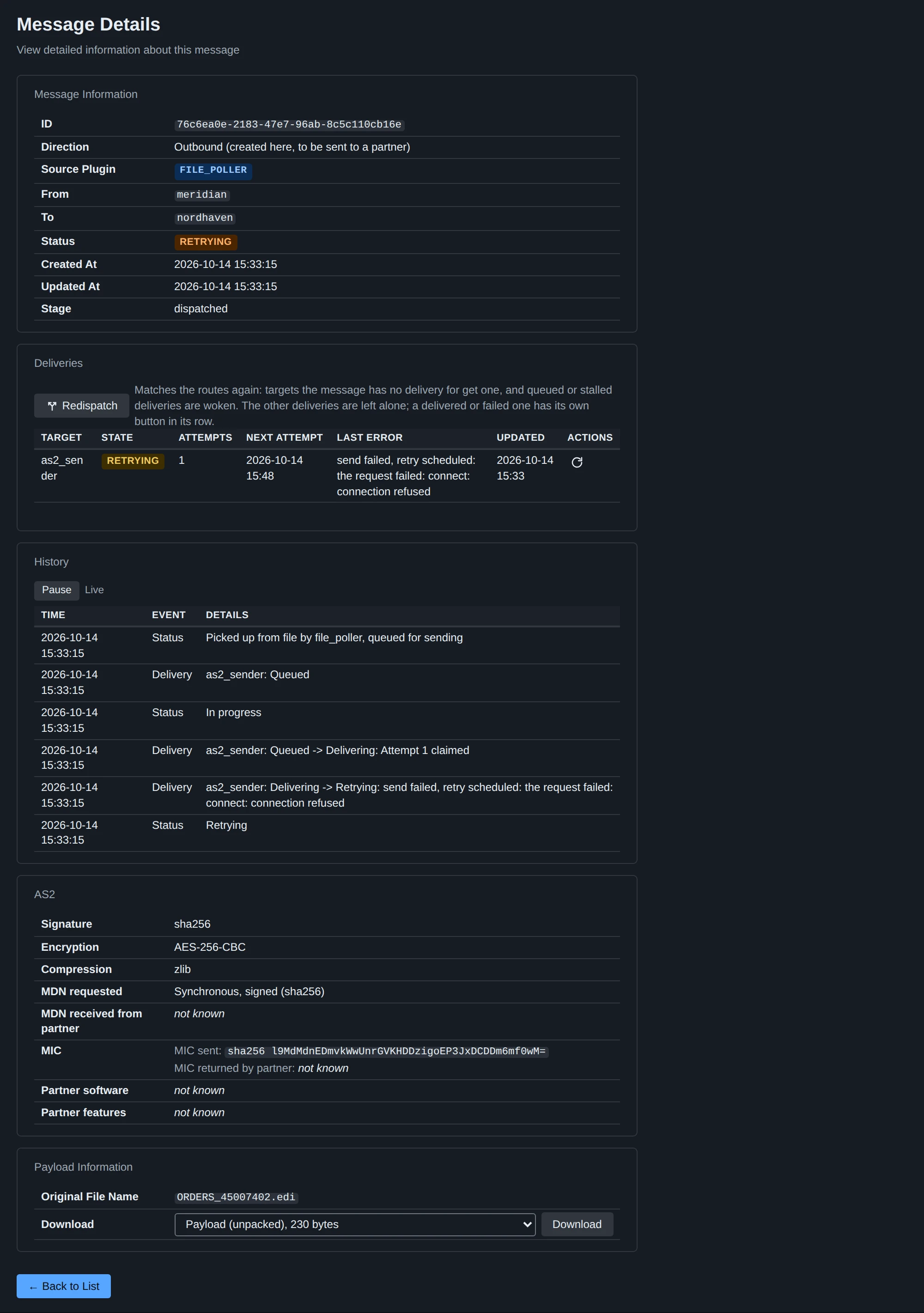
You see all messages on the Messages page. Click a message to see its details, its deliveries and its history.
How a delivery moves along
- MicroB2B stores the message and creates its deliveries in one step. It then tells each target that work is waiting.
- The target claims the delivery. Only one target process works on a delivery at a time.
- The attempt ends in one of four ways:
- Delivered: done.
- Retrying: a failure that may pass, such as a connection error or a 5xx answer. MicroB2B tries again at a set time.
- Awaiting receipt: an AS2 message was sent and the partner promised to send a receipt (MDN) later.
- Failed: a failure that will not pass, or no attempts left.
- A delivery awaiting a receipt waits for the partner’s receipt. A good receipt makes it delivered. A negative one makes it fail. If no receipt arrives within the partner profile’s Receipt Timeout (default 24 hours), the delivery fails with
no receipt within <duration>.
Retries are stored in the database, so they survive a restart.
When a target does not respond
MicroB2B checks every few seconds for deliveries that nobody has claimed. It reminds the target again after 10 seconds, 30 seconds, 2 minutes and 10 minutes. After a set number of reminders (default 5, about 23 minutes) the delivery is stalled. MicroB2B then raises the alert delivery_stalled.
A stalled delivery means nothing was tried. The usual cause is a target that is stopped, disabled or overloaded. Start the target on System > Services. It then picks up its stalled deliveries. You can change the number of reminders under System > Settings > Delivery, see Settings.
If MicroB2B stops or crashes during an attempt, the delivery goes back to the queue. Its history then says attempt interrupted: lease expired.
Message status
Every message has one status. MicroB2B works it out from the message’s deliveries. You can filter the Messages page by status.
| Status | What it means | What to do |
|---|---|---|
| Received | Stored. The source is still checking it, for example verifying an AS2 signature. | Nothing. If it stays for more than a few seconds, the source stopped midway. The partner resends. |
| In progress | At least one delivery is waiting for its target or being worked on. | Nothing. If it does not move, check the target on System > Services. |
| Retrying | An attempt failed and another is scheduled. The history says when and why. | Fix the cause if needed. Redeliver tries at once. |
| Awaiting receipt | Sent. The partner’s receipt has not arrived yet. | Wait, or ask the partner whether it processed the message. |
| Stalled | The target never took up a delivery. Alert delivery_stalled. | Start or enable the target. |
| Delivered | Every delivery is done and, where a receipt was asked for, confirmed. | Nothing. |
| Not routed | No route matched. Alert message_not_routed. | Add a route, then Redispatch. |
| Refused | MicroB2B turned down an incoming message: a repeat, an unknown party, a failed check, or too large. No alert. | Usually nothing. The history says why. |
| Error | A delivery failed for good, or MicroB2B could not take the message in. Alert message_failed. | Fix the cause, then Redeliver. |
Work still to do on your side counts before waiting for a partner. So a message with one delivery awaiting a receipt and one still queued shows In progress. One failed delivery makes the message Error, whatever the other deliveries did.
See Message actions for Redispatch and Redeliver, and Troubleshooting messages for common problems.
Delivery states
The message page lists each delivery with its state: Queued, Delivering, Retrying, Awaiting receipt, Delivered, Failed or Stalled. It also shows the number of attempts, the next attempt (for a retrying delivery) and the last error.
History
Every status change and every delivery change is a line of the message’s history. A line shows, for example, which file was written, what an HTTP server answered, or why MicroB2B will retry. The history also names the user who pressed Redispatch or Redeliver, and the receipts that arrived.
Original file name
A message can carry the name of the file it came from. A file poller sets it from the file it picked up. An AS2 partner can announce it with the message. The AS2 sender passes it on to the partner, and a file writer can name its file after it.
Payload stages
MicroB2B keeps a message’s content in one or more stages. Each stage is a form of the same message. The message page lists the stages the message has. Choose one in the stage selector to download it.
| Stage | Content | Made by |
|---|---|---|
| Payload (unpacked) | The business document with all AS2 layers removed. For a polled file, the file itself. | AS2 receiver, file poller |
| Whole message as received (headers and body) | The headers followed by the body as received. | Combined from the two below |
| Body as received on the wire | The body as it arrived, still signed, encrypted or compressed. | AS2 receiver |
| Headers as received | The HTTP headers of the incoming request. | AS2 receiver |
| Receipt | The receipt (MDN) for the message: ours for a message we received, the partner’s for one we sent. | AS2 receiver and sender |
A file writer and an HTTP poster hand on one stage, chosen in their Payload Stage setting. The default is Payload (unpacked). They cannot hand on the receipt, because it is stored after the message is handed on.
If a message lacks the chosen stage, that delivery fails, and the history says why. For example, a polled file has only the unpacked payload. MicroB2B never uses another stage instead.
The REST API serves the same downloads at GET /api/v1/messages/{id}/payload?stage=<stage>. The stage names there are unpacked, message, received, headers and receipt.
Watching messages and logs
The Messages page, the message page and the dashboard update live. You do not need to reload them.
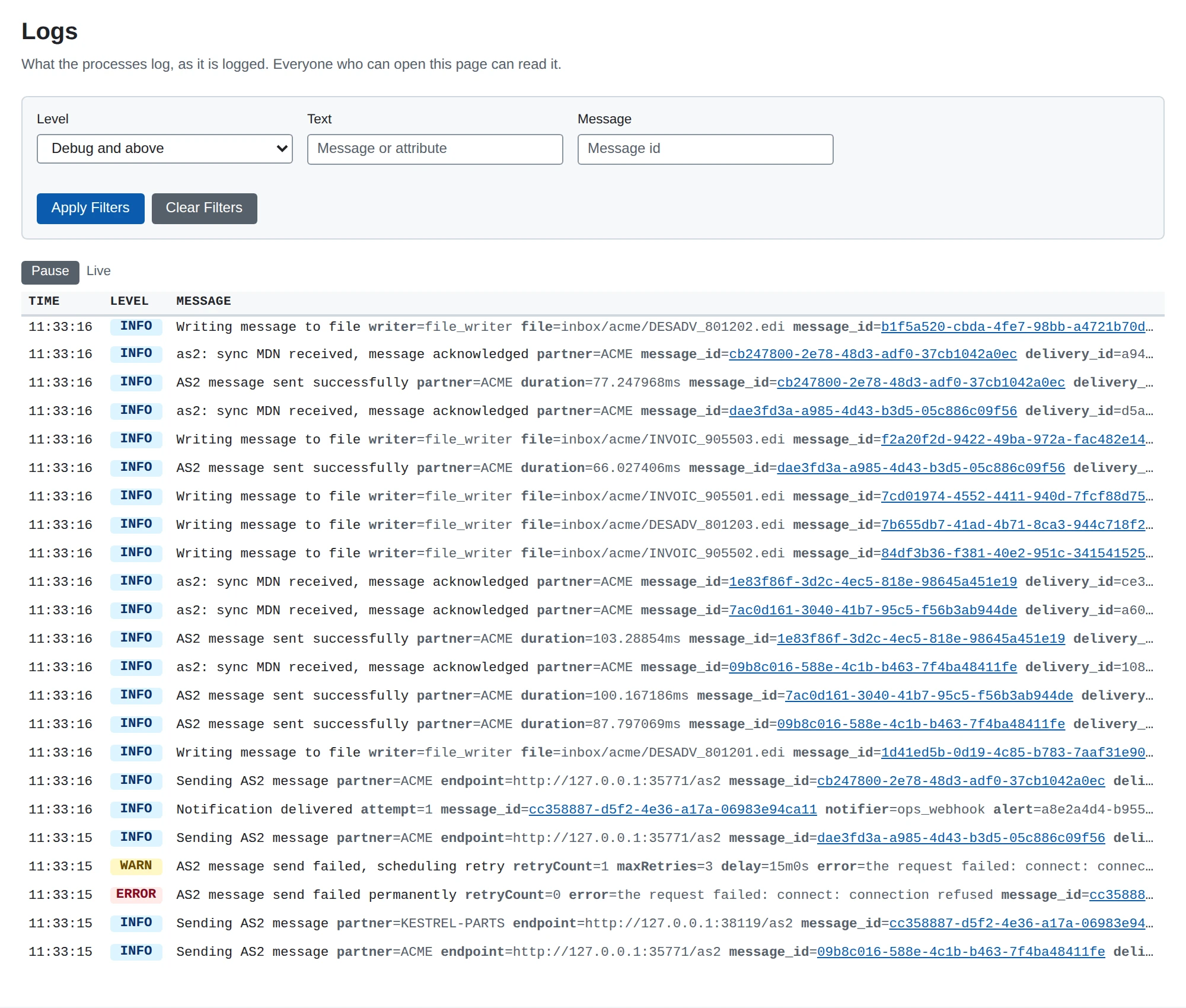
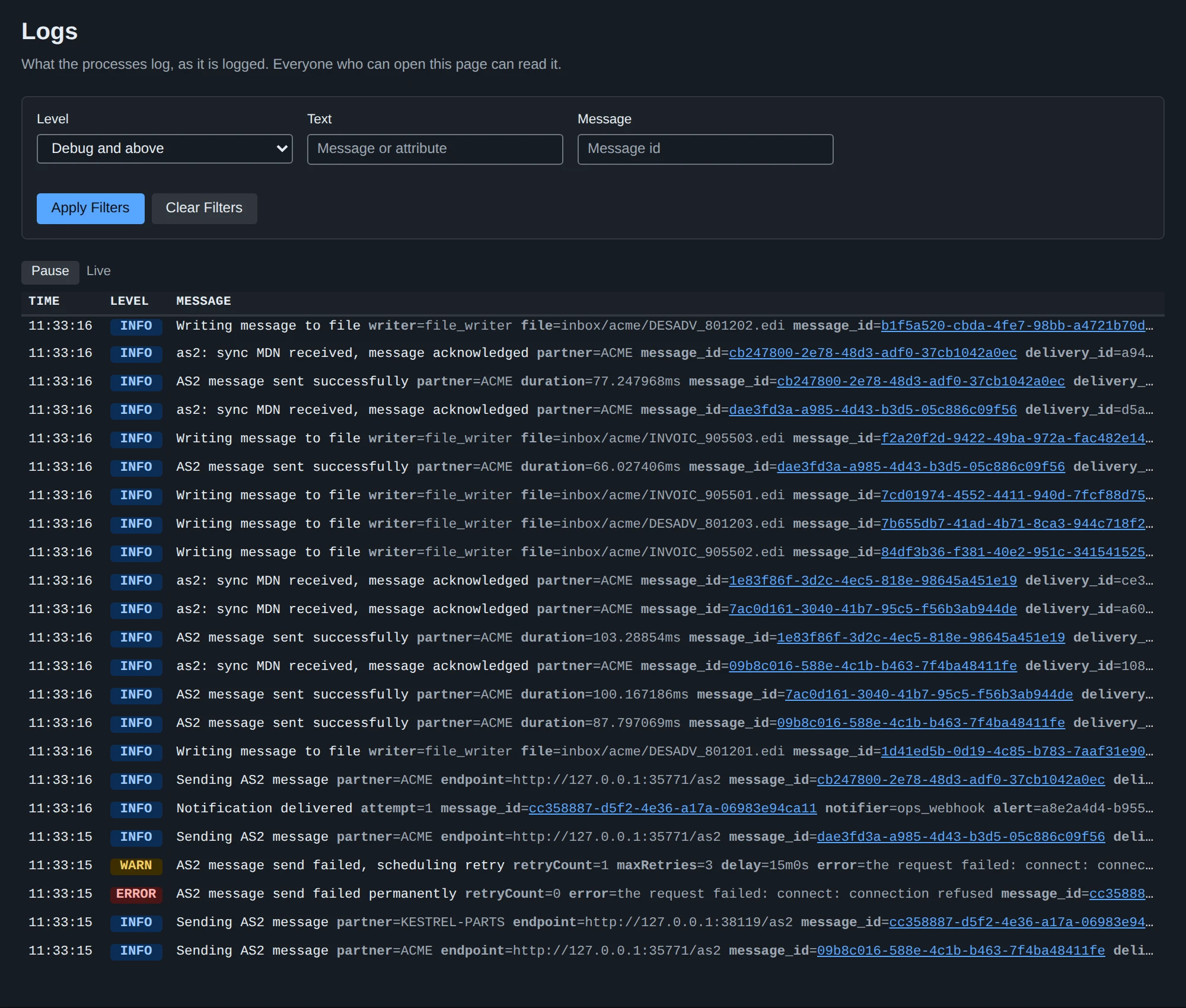
System > Logs shows MicroB2B’s log lines as they happen, newest first. It shows lines at the level of LOG_STREAM_LEVEL and above (default info). See Monitoring.
For scripts, GET /api/v1/events streams the message history lines as Server-Sent Events. See API basics.